
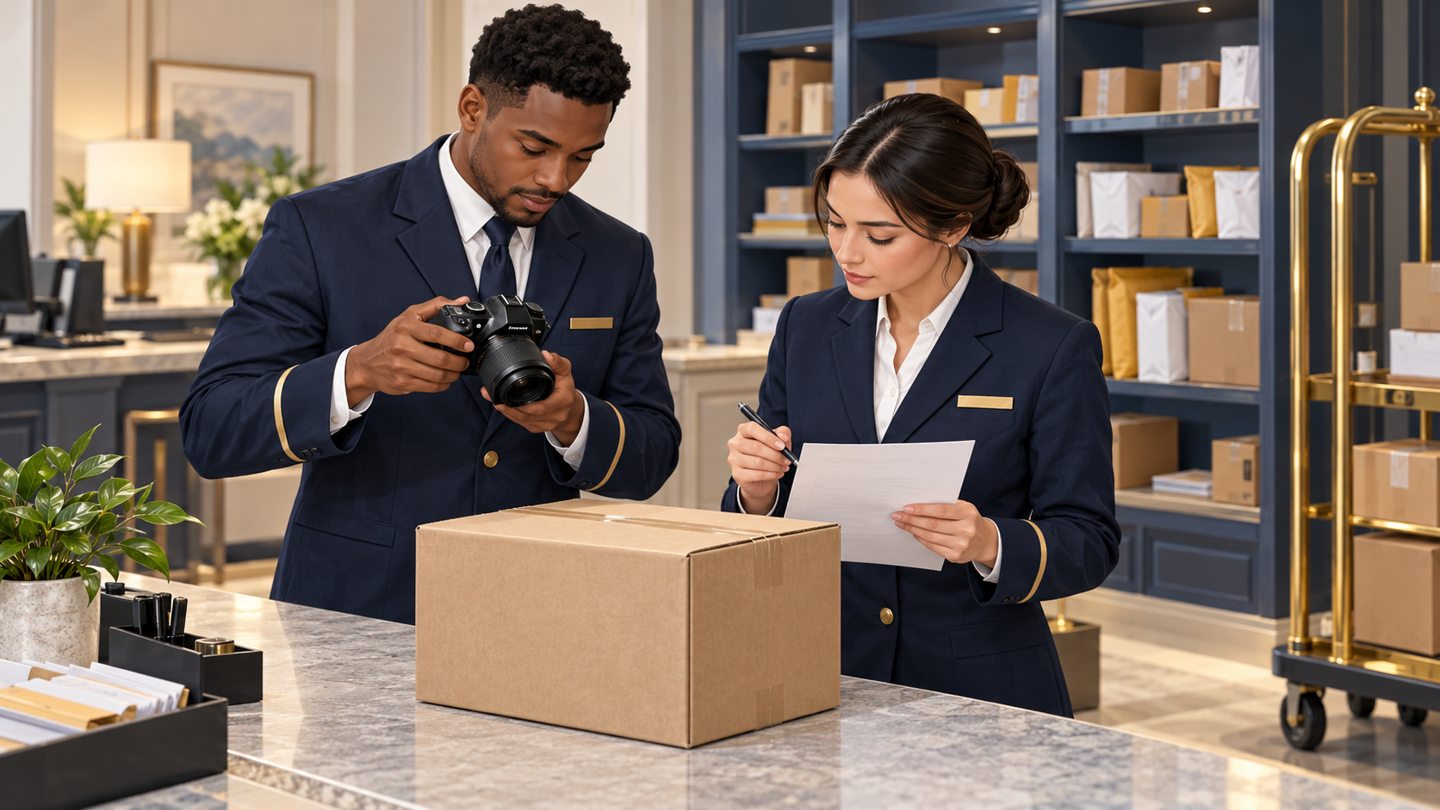
A parcel photograph can be clear and still be a poor record. It may show the previous package, omit the label field needed for a lookup, or document a dent without explaining when staff first noticed it. Adding more images does not automatically resolve those gaps.
This guide is for hotel, senior-living and property-management desks that already have an approved reason to photograph ordinary packages. It addresses the quality of the image-to-record connection. It is not a recommendation to photograph every delivery, a substitute for pickup verification, or a procedure for opening parcels.
1. Decide what the image must answer
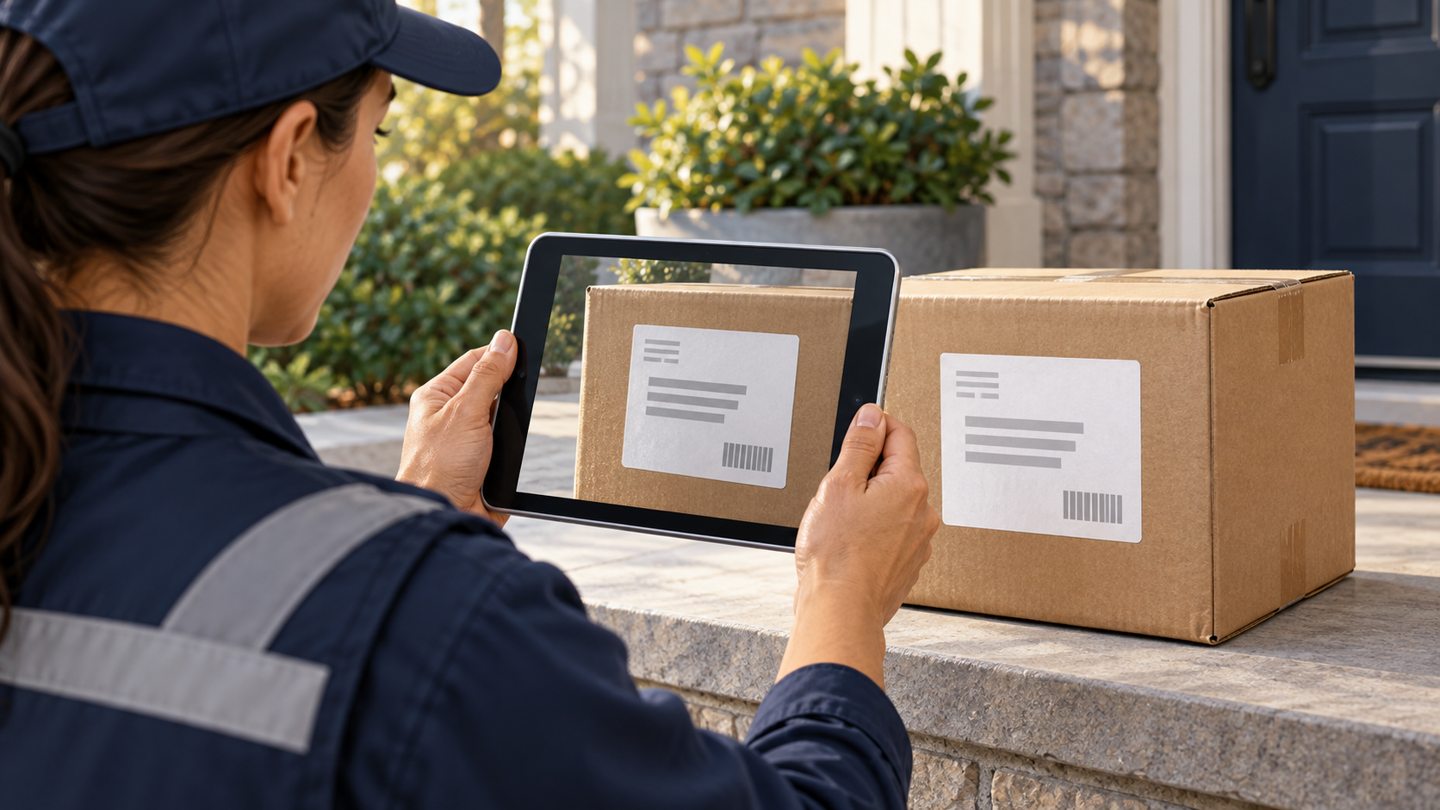
Before capture, name the question: which exterior belongs to this intake record, which printed field is unclear, or what visible condition was observed? Choose the smallest useful view. A whole parcel may establish its appearance; a label view may answer a specific lookup question. Neither proves the contents or the collector’s entitlement.
Keep broad privacy and retention decisions in the property’s existing policy. The package-room privacy guide covers that policy layer. This workflow begins after the team has established a permitted purpose and approved device.

2. Keep one physical subject paired with one record
Use a single active capture position. Confirm the intended record before bringing the parcel into that position, then confirm it again before saving. Do not leave two similar boxes on the table while switching between two open records.
If interrupted, leave the parcel in its controlled work position and use your normal desk handoff. On returning, restart the association check rather than assuming the open screen still belongs to that box. Follow the capture-station and interruption checklist for a repeatable setup.
3. Inspect the saved result, not only the camera view
Open the actual saved image in the approved system. Is the subject complete? Can a colleague distinguish the needed characters? Does the image belong to this parcel? A tiny thumbnail or a successful upload indicator answers none of those questions.
Use the label-photo readability review when a name, unit or reference needs clarification. Keep unreadable fields unresolved instead of typing a plausible answer from context.
4. Add observations without inventing a cause
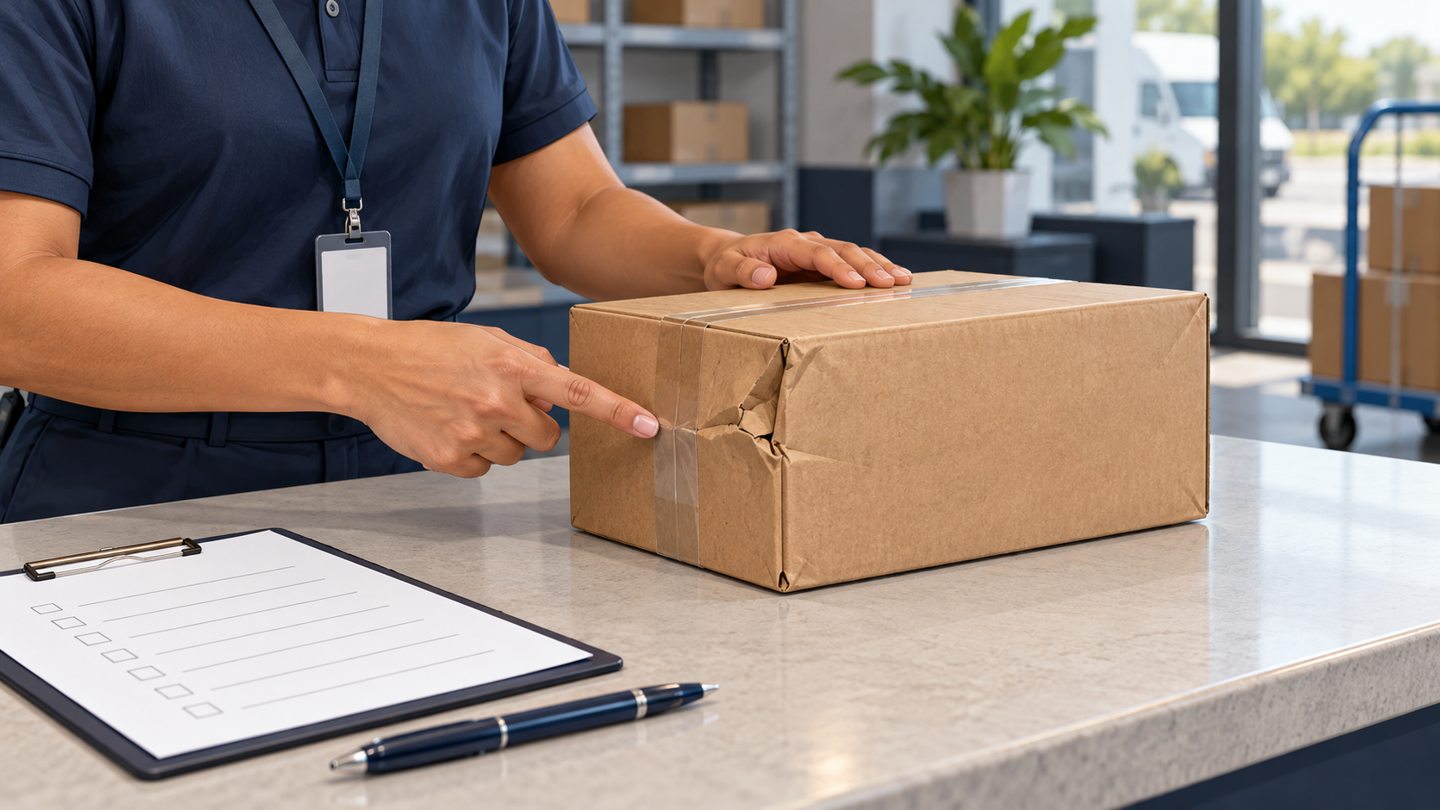
A condition photograph needs a short factual note: who observed the exterior, when, and what was visible. “Crease on the upper right corner when checked at intake” is different from “carrier damaged the contents.” The latter adds conclusions the photo does not establish.
The condition-note guide separates visible facts, timing and limitations. Do not manipulate, open or handle a potentially unsafe parcel merely to improve documentation; use the property’s established safety escalation.
5. Correct associations and control release
If the wrong image appears, stop relying on it for collection or dispute decisions. Ask an authorized reviewer to establish the association and document the correction. The wrong-photo correction workflow explains how to avoid silently replacing uncertain evidence.
When an authorized recipient needs an image, review the exact file selected for transmission. The photo-release packet checklist focuses on that last check, not permission to share every attachment.
Worked example: two similar cartons
In a fictional exercise, carton A is photographed, then staff open carton B’s record before uploading. The picture looks reasonable because both cartons are brown. A review against the distinct exterior reference exposes the mismatch. Staff pause release, identify both affected records and record the correction. They do not rename a thumbnail and assume the underlying attachment changed.

A short handoff checklist
- Purpose and permitted capture confirmed.
- One parcel matched to one intake record.
- Saved image inspected at useful size.
- Observation, uncertainty and next decision recorded separately.
- Any correction or authorized release documented.
Review a small set of recent records with the next shift. Ask whether they can explain what each image shows without the original operator. Treat a failure as a specific workflow defect to fix, not proof that the entire team is careless.
Source and scope
The FTC business information-protection guide supports collecting only needed information and limiting access. The quality checks here are proposed desk practices, not FTC-prescribed package procedures.
Reviewed October 24, 2026. The workflow above is original operational guidance, not a carrier requirement, legal opinion or guarantee. Confirm your property’s approved procedures and the functions available in your current software.
Request a TrackNest demonstration to discuss your package workflow. Confirm how your team would capture, review and correct records before relying on any particular attachment or export behavior.