
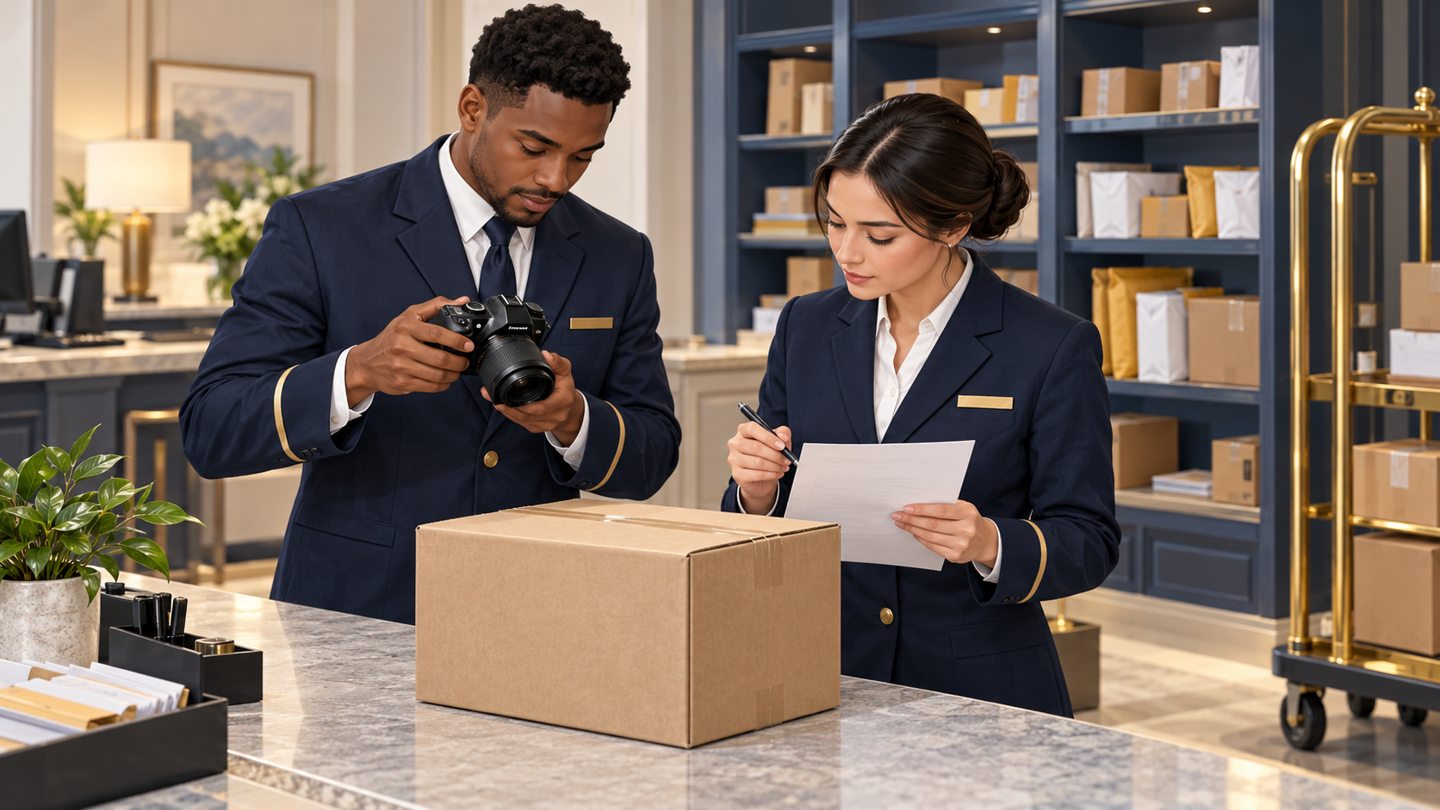
A photography station is a work position, not necessarily a special piece of equipment. Its job is to make it obvious which parcel is being documented and to make a repeatable image possible without moving unrelated belongings into view.
This checklist concerns ordinary closed packages that staff can safely handle under property procedures. It does not authorize opening parcels, repositioning hazardous items or collecting information that the property has not approved. Use it within the package intake image-quality workflow.
Start with a single active position
Separate the waiting queue, the active parcel and the completed parcel position. These may be existing parts of a desk rather than new furniture. The important distinction is that only one item is the current subject.
Keep the active position close enough that staff can read the parcel reference and review the saved result without losing sight of the item. Do not create a setup that requires reaching across a public counter or placing packages in a circulation route. Ask management to approve any physical layout change.
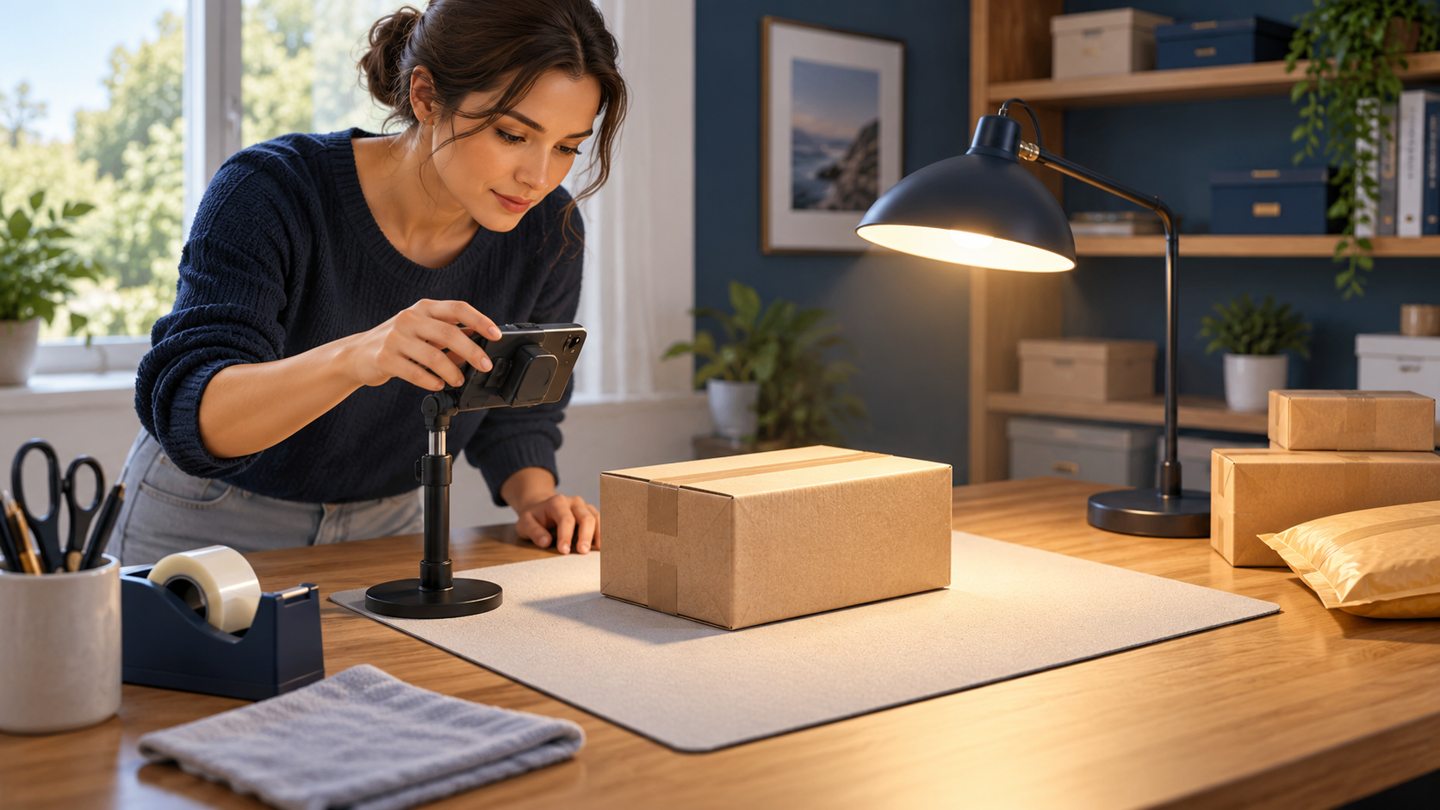
Test the frame before using live information
Use an empty ordinary box and a clearly fictional practice label. Place it where a normal parcel would sit, then look at the camera view. Check the four edges, the background and reflections. A parcel may fill the center while another resident’s label remains visible at the edge.
Move unnecessary desk papers and screens outside the view. Choose a background that allows the parcel edges to be seen. Do not rely on later editing to remove avoidable background information. The goal is a useful original capture, not a perfect advertising photograph.
Make lighting a repeatable check
Look for shadows from the operator, glare on glossy tape and reflections from overhead lights. Adjust the approved device position or safe parcel position so the relevant surface is visible. Do not peel tape, remove labels or alter the parcel to make an image look cleaner.
Repeat the test at the time of day when the desk is normally busiest. A bright window may cause a problem that was absent during an evening setup. Record a simple placement instruction that staff can follow, rather than a vague direction to “take better pictures.”
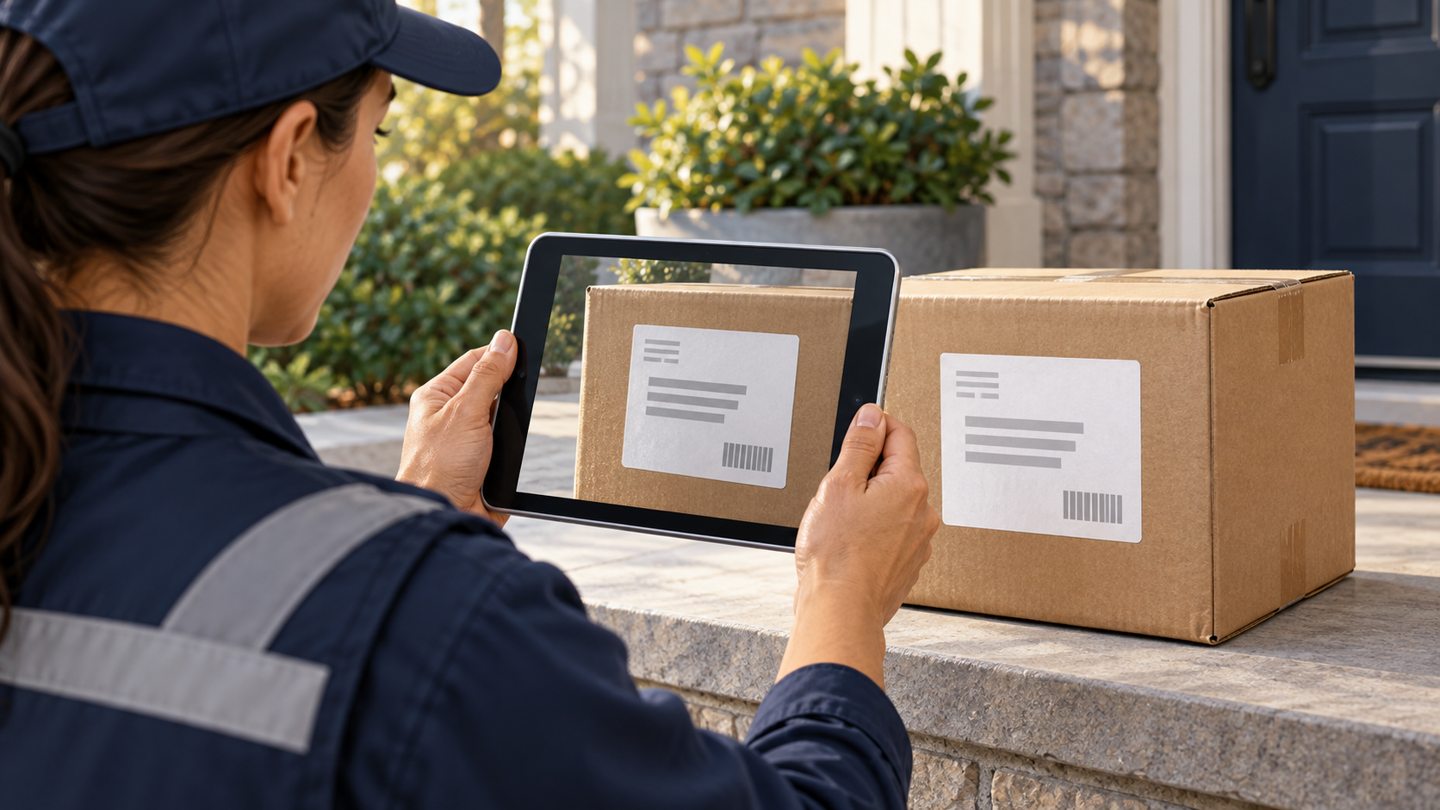
Use a finish-and-reset sequence
- Confirm the active package record.
- Place only that parcel in the capture position.
- Take the approved view and inspect the saved image.
- Confirm the image is attached to the intended record.
- Move the parcel through the normal storage handoff and clear the active position.
Keep that sequence intact even when a courier places another box nearby. A nearby arrival should not silently become the next active subject. If the workflow needs a temporary reference, use the property’s approved non-public method rather than adding a resident name to a visible desk sign.
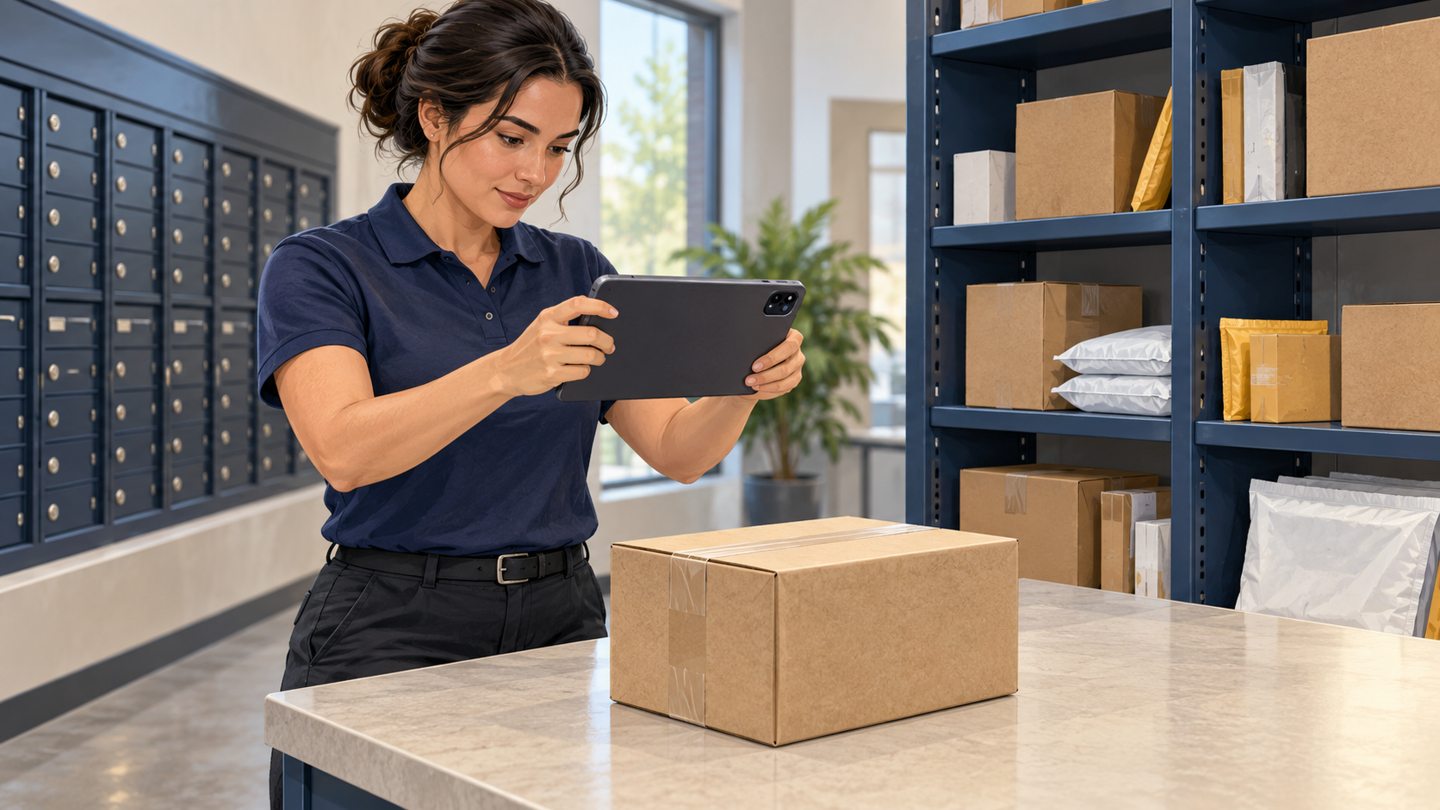
Restart after an interruption
When the phone rings or a guest asks a question, the weakest point is often the return to work. The screen may have changed, the parcel may have moved, or another colleague may have finished the upload.
On return, identify the physical parcel, the open record and whether a saved image already exists. If any point is uncertain, resolve it before adding another image. Do not treat the latest thumbnail in a device gallery as evidence of which record it belongs to.
Practice scenario
Two colleagues rehearse an interruption using fictional labels. One stops after capture but before save. The second receives a handoff stating exactly that stage. Success means the second colleague can finish or safely pause without taking the first person’s memory for granted.

Check the station at handoff
- Active surface clear of unrelated items.
- Background and reflections checked.
- Approved device available and usable.
- Unfinished capture identified by stage and record.
- Saved result readable, not merely uploaded.
If the setup produces sharp photos but fields remain unreadable, use the label-photo review. If the photo was attached to another parcel, use the association-correction process instead of simply taking a new picture.
Source and scope
The FTC information-protection guide provides the broader data-minimization context. This station exercise is a proposed operational method; follow your property’s approved privacy and physical-workspace procedures.
Reviewed October 24, 2026. The workflow above is original operational guidance, not a carrier requirement, legal opinion or guarantee. Confirm your property’s approved procedures and the functions available in your current software.
Request a TrackNest demonstration to discuss your package workflow. Confirm how your team would capture, review and correct records before relying on any particular attachment or export behavior.