
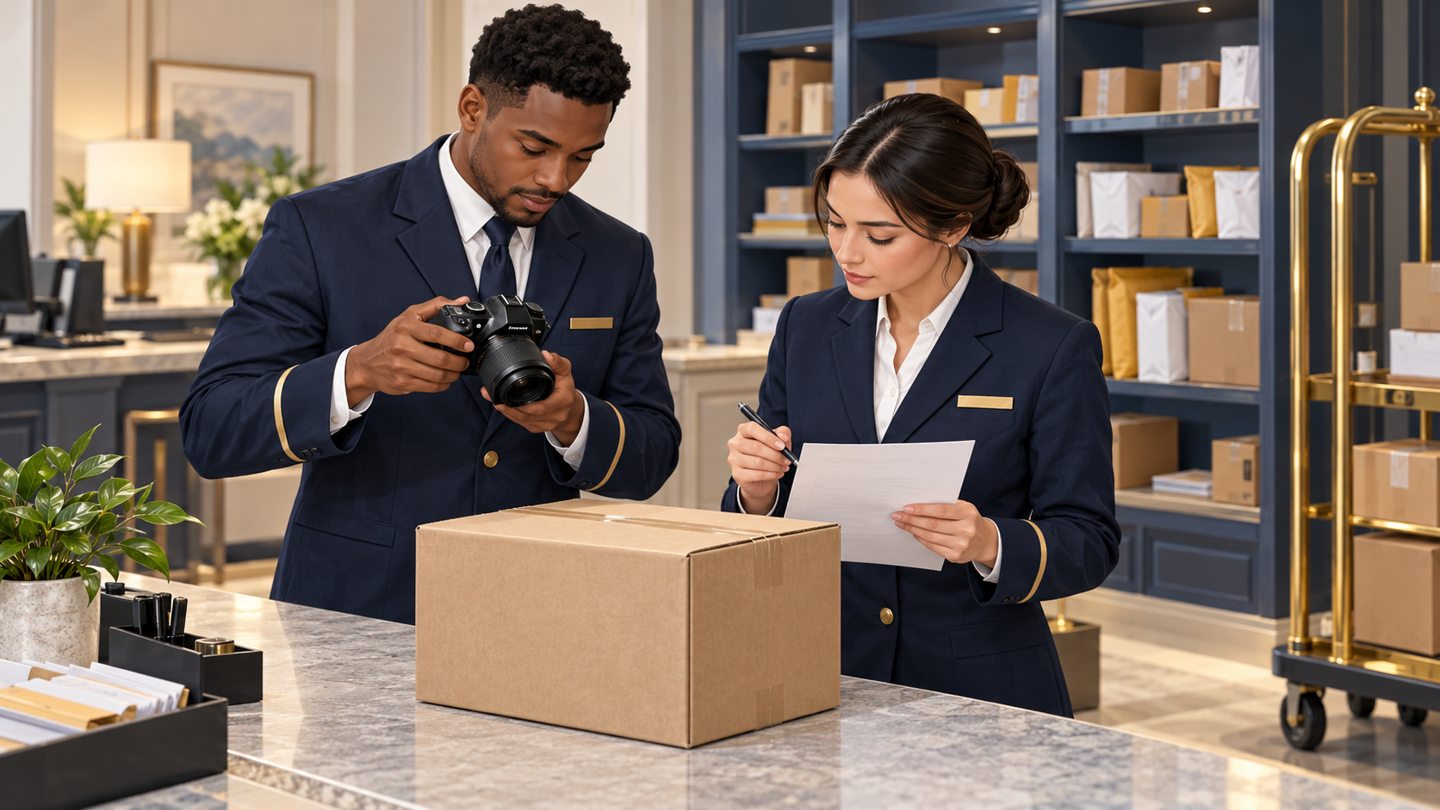
A colleague opens a package record and sees a photograph that does not match the parcel in storage. The immediate task is not to find someone to blame or make the screen look tidy. It is to prevent the uncertain image from guiding another decision and to establish which records are affected.
This is an operational correction workflow, not a claim that TrackNest provides automated image matching, version history, redaction or a particular attachment-replacement function. Verify the approved method available to your team before changing records.
Pause reliance on the questionable image
Do not use the image to identify a collector, resolve a condition dispute or confirm the stored parcel while its association is uncertain. Keep the package itself within the normal controlled custody process. The photo problem does not automatically mean the physical parcel is missing.
Notify the designated reviewer through the approved internal channel. Describe the record reference, the mismatch observed and any immediate decision that depends on it. Avoid copying both residents’ personal details into a general group message.

Establish what is known before editing
Compare the physical parcel, its approved identifier, the saved photograph and the intake history available to authorized staff. Look for an independently supported match, not a similarity such as “both boxes are brown.” If a colleague remembers taking the picture, distinguish that recollection from a confirmed record link.
Consider whether the wrong image replaced a correct one, was added alongside it, or appeared in two records. These are different errors. Do not assume that fixing the first visible record resolves the second.
Define the affected set
Review the nearby intake sequence only to the extent needed to locate the error. Identify records that contain the suspect image or that may be missing their intended image. Keep a bounded list of record references and the question for each.
Do not launch an unrestricted search of unrelated residents’ attachments. If the likely affected set is broader than the reviewer can assess, escalate to the authorized manager or system administrator with the known facts and limitations.
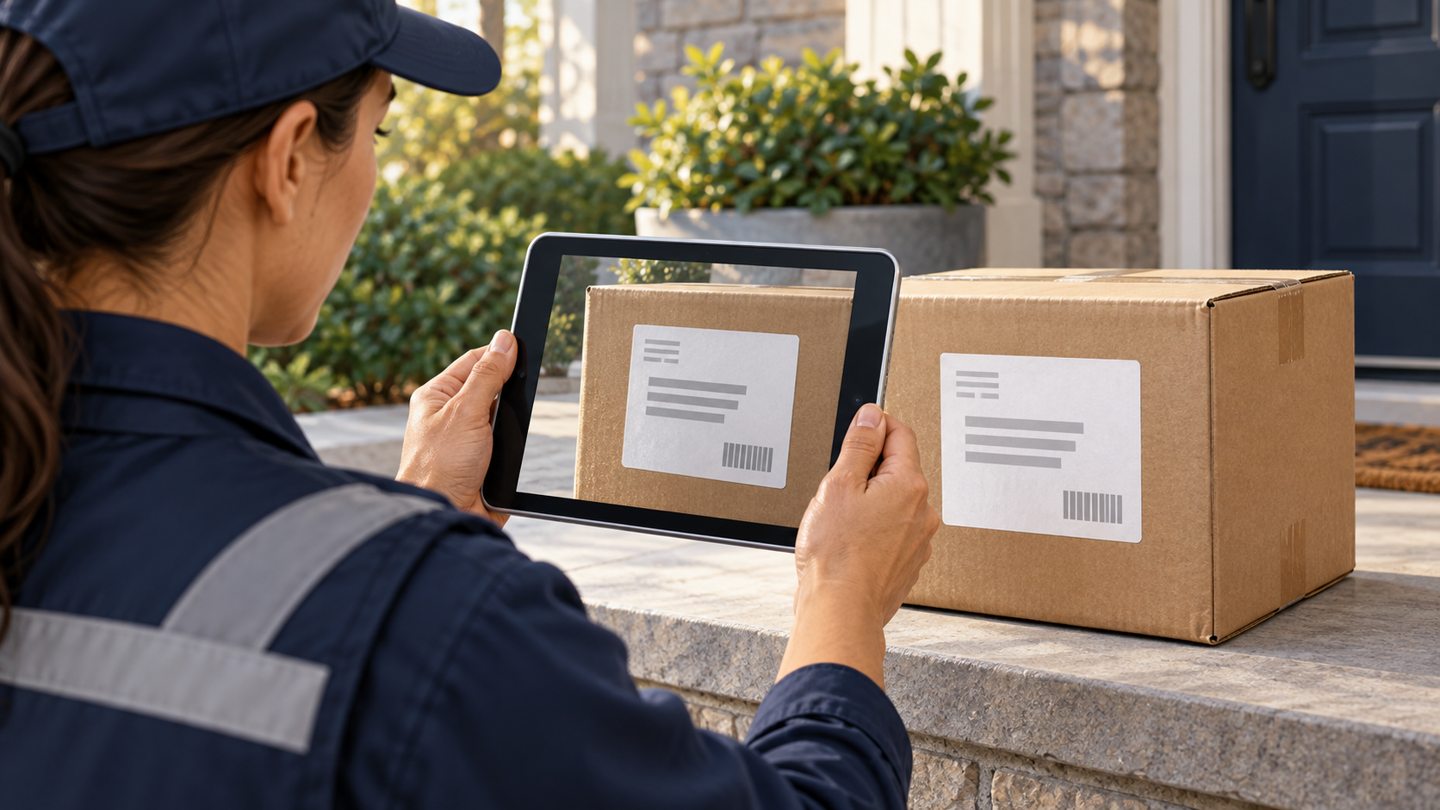
Make an authorized correction with a readable explanation
Use the application’s verified correction method or the property’s approved alternative. Before acting, establish whether the operation will remove an attachment, replace it, add a new one or simply change a note. Those effects are not interchangeable.
Record what was wrong, what evidence supports the correction, who authorized or performed it, and what remains unresolved. Follow the property’s retention and incident procedures for the erroneous image; do not independently erase evidence or retain unnecessary copies “just in case.”

Example correction note
In a fictional training case: “Image attached to record A did not match the stored parcel. Reviewer compared the approved parcel references and confirmed the image belonged to record B. Correct association completed using the approved attachment process. Record A’s replacement image was captured later and labeled with that later time.”
If that level of confirmation is unavailable, the note should say so. A later image can document the parcel now; it cannot silently stand in for a photograph at original receipt.
Check downstream use
Ask whether the incorrect image was used in a pickup decision, a resident message or an authorized external release. If it was shared, refer the situation to the property’s responsible reviewer. Staff should not independently send a second message containing more personal information to explain the first error.
The photo-release review can help identify the exact file and recipient involved. Do not claim that deleting a local copy removes a recipient’s copy.

Close the correction, then fix the cause
- All identified affected records reviewed.
- Corrected association checked in the saved view.
- Later photographs labeled as later observations.
- Unresolved issues assigned to a named reviewer.
- Downstream use assessed through the approved process.
Return to the intake photo-quality workflow and the single-parcel station sequence. A small change such as finishing one save before opening the next record may address the cause more directly than asking staff to take additional pictures.
Source and scope
The FTC business information-protection guide supports controlled access and planned responses to information incidents. This correction sequence is an original operational proposal; it does not prescribe legal notification duties.
Reviewed October 24, 2026. The workflow above is original operational guidance, not a carrier requirement, legal opinion or guarantee. Confirm your property’s approved procedures and the functions available in your current software.
Request a TrackNest demonstration to discuss your package workflow. Confirm how your team would capture, review and correct records before relying on any particular attachment or export behavior.