
Why thin staffing fails at the desk (and how to design around it)
The real problem isn’t “more volume”—it’s decision load
When the lobby is slammed, the desk isn’t just processing transactions. Staff are also deciding *what to do next*—who can wait, what needs a record, what must be verified, and how to hand off unfinished work across shifts.
A visitor system or package tool won’t fix inconsistent decisions. Your operating model has to define the rules that apply *when everything happens at once*, especially in buildings juggling guests, deliveries, vendors, resident questions, and safety responsibilities.
[!QUICK ANSWER] A thin-staffed front desk runs well when you pre-decide triage rules (who gets served first), define “self-serve vs. staffed” lanes, standardize after-hours handoffs, and enforce one non-negotiable rule: nothing crosses the desk without being recorded in the moment.
NYC lobby constraints change what “good” looks like
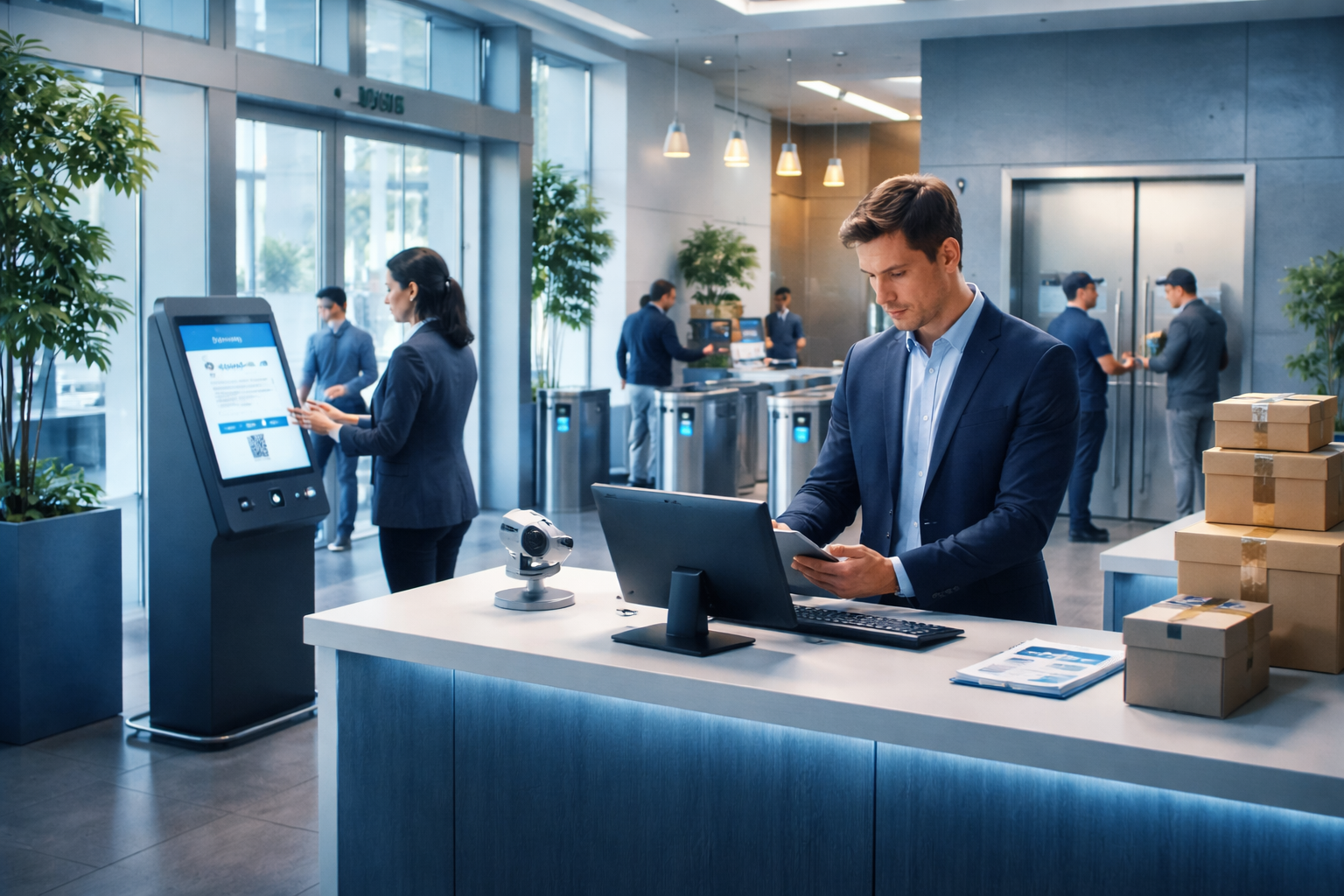
NYC buildings often face narrow vestibules, limited queuing space, elevator bank choke points, and higher foot traffic from deliveries. You can’t rely on “just form a line” or a single concierge doing everything.
Your framework must account for: short physical buffers, strict access control, resident expectations, and the reality that the desk may be one person for long stretches.
Start with an operating model, not a product list
Define the desk’s three lanes: Access, Accountability, Assistance
Before you choose kiosks or tools, define three lanes that exist *even if one person is running all of them*:
- Access lane: verifying and allowing (or denying) entry for guests, vendors, and contractors.
- Accountability lane: logging custody events (packages, keys, valuables, lost-and-found) and documenting handoffs.
- Assistance lane: resident questions, amenity issues, service requests, and “can you help me with…” tasks.
The goal is clarity: in peak moments, you protect the Access and Accountability lanes first, and you intentionally throttle Assistance.
Decide what is allowed to wait—and what is not
In a thin-staffed model, you need a hard line between “can wait” and “cannot wait.” That line prevents the common drift where logging gets deferred “until later” (and later never happens).
Cannot wait (always done in the moment): access verification, package intake record, package pickup record, key/credential custody, any incident note.
Can wait (deferred with a promise time): resident questions, non-urgent maintenance follow-ups, amenity guidance, and “quick favors.”
[!WATCH OUT] The most common failure mode is allowing intake to happen without a record because the desk is busy. Once you normalize “we’ll enter it later,” you create a parallel, untracked workflow that becomes the real workflow.
A decision framework for visitors: walk-ins vs. pre-authorized
Step 1: Set an entry policy that matches your risk tolerance
Start by choosing which categories are allowed without pre-authorization. For many residential properties, a workable policy is:
- Pre-authorized only: overnight guests, contractors, high-risk vendors, anyone requesting unit access.
- Conditional walk-in: food delivery to resident pickup zone, known recurring vendors with documented scope, scheduled showings.
- No walk-in access: unknown visitors asking to “go up and knock,” vague “I’m here to see someone” requests.
This isn’t about being unfriendly—it’s about being consistent when the desk is overloaded.
Step 2: Design a “verification minimum” that can be done fast
Your verification minimum should be quick enough that staff won’t skip it under pressure. Define what “verified” means for each category:
- Resident guest: name matches a resident-provided list, or resident confirms via a defined method.
- Vendor: company + purpose + unit + scheduled window.
- Service provider: work order or authorization from management.
Make the minimum specific and measurable. “Seems legit” is not a policy.
Step 3: Create a lobby-safe holding pattern for uncertain cases
When the desk is busy, you need a safe place for “not yet verified” visitors to wait without clogging the entrance. In NYC constraints, that often means:
- A clearly marked waiting spot away from the door swing.
- A rule that unverified visitors do not approach elevators.
- A script: “We’ll confirm and then call you forward.”
This keeps flow moving and reduces confrontations.
[!EXPERT INSIGHT] If your verification step takes more than 30–60 seconds, staff will start “making exceptions” during peak hours. The fix usually isn’t more training—it’s simplifying the decision tree and creating a default outcome (wait/deny) when verification can’t be completed immediately.
A decision framework for deliveries: guests vs. packages vs. vendors
Separate “delivery to resident” from “package custody”
Not every delivery should become a package the building takes responsibility for. Create explicit categories:
- Hand-to-resident deliveries: food, flowers, same-minute handoffs (resident meets courier).
- Package custody items: parcels, mailroom-style packages, anything stored behind the desk.
- Vendor drop-offs: building supplies, contractor materials, items that must go to staff custody or a designated room.
Then define what happens to each when the desk is slammed.
Build a package intake workflow that survives peak hours
Your package intake workflow should be designed for speed and traceability, not for perfection. A practical “minimum viable intake” includes:
- Carrier + recipient name + timestamp
- Photo or label scan (when possible)
- Storage location note (even a simple zone)
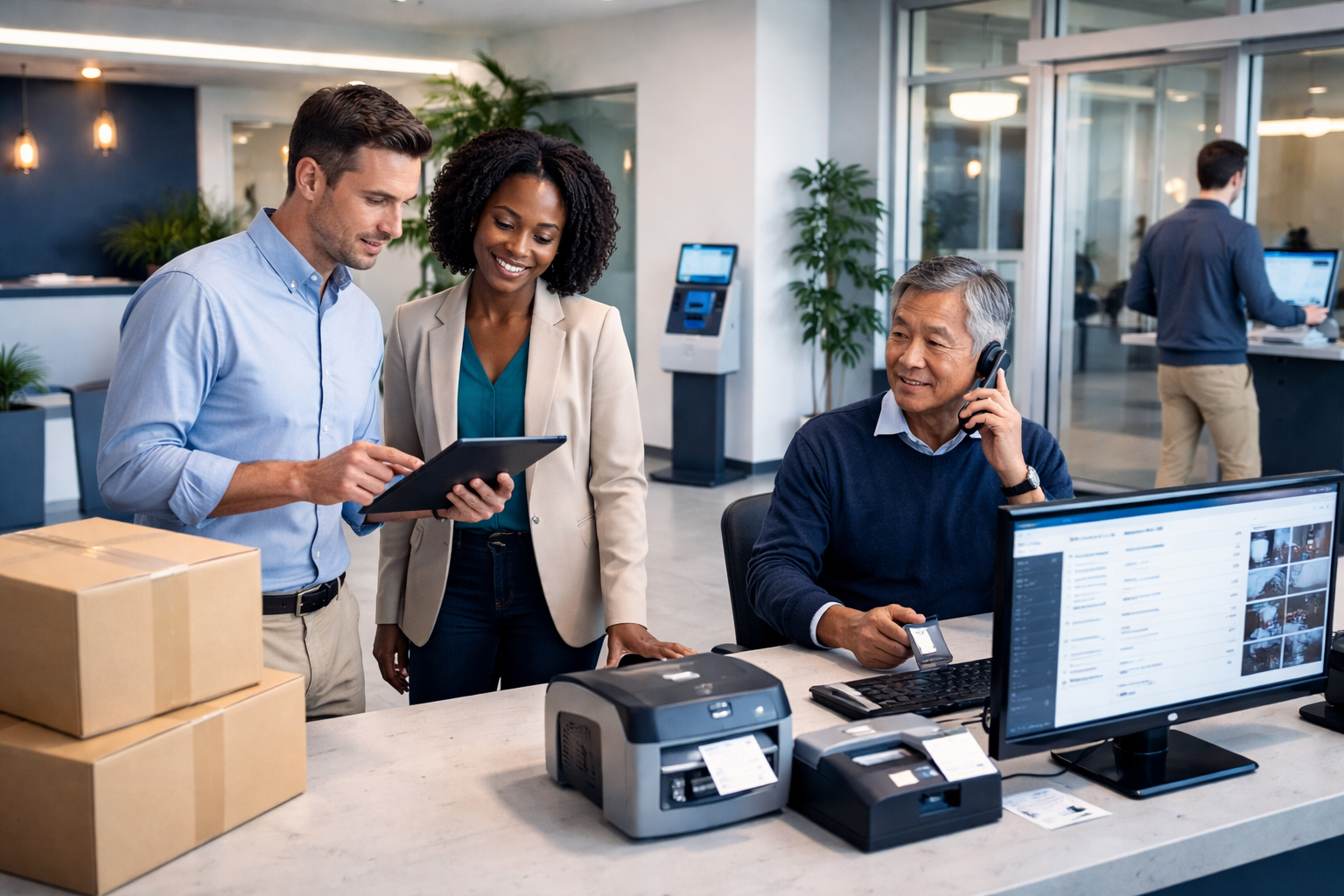
Tools like TrackNest can support computer/tablet/phone workflows and label scanning to reduce typing when volume spikes. The principle is the important part: capture a usable record at the moment of custody.
Don’t let “temporary storage” become untracked storage
Thin-staffed desks often create informal piles: “I’ll sort it later.” If you must have a temporary staging spot, make it a defined step:
- Stage only in a clearly labeled area
- Stage only if it’s recorded immediately
- Clear the stage at set times (e.g., top of the hour)
This prevents missing items and disputes about whether something arrived.
The “Desk Is Busy” policy: how to triage without chaos
Define what “busy” means (so it triggers the same actions every time)
“Busy” shouldn’t be a feeling—it should be a trigger with visible cues. Examples:
- More than X people waiting
- A courier line forming at the door
- Staff is in an access verification or incident process
Once “busy” is triggered, the desk switches into a simplified mode.
Publish a triage order that staff can defend
A consistent priority order reduces conflict and protects safety:
- Safety/access control (unknown visitors, door management, elevator control)
- Custody events (package intake/pickup, keys, valuables)
- Time-sensitive building operations (vendors with scheduled work windows)
- Resident assistance (questions, requests, non-urgent issues)
When residents complain, staff can point to the policy instead of improvising.
[!ACTION CHECKLIST] Draft a one-page “Desk Busy Mode” card and train to it using this short checklist:
- Define the trigger (what flips the desk into Busy Mode)
- Define the triage order (what comes first, second, third)
- Define the scripted phrases staff use to pause resident questions
- Define what must still be logged immediately (no exceptions)
- Define when Busy Mode ends (what resets to normal)
Use scripts to reduce friction and protect service tone
Scripts aren’t robotic—they’re how thin-staffed desks stay calm. Examples:
- “I can help with that in about five minutes. Right now I need to clear access and package pickups.”
- “I can’t send anyone upstairs until we confirm authorization. Please wait here and I’ll call you forward.”
- “If you’re picking up a package, I can do that next—please have ID ready.”
In NYC lobbies, tone matters because the space amplifies stress.
After-hours deliveries and handoffs: stop the overnight drift
Decide the after-hours boundary
Thin staffing often means no true 24/7 concierge. You need a clear boundary for when deliveries are accepted and who accepts them.
Common options:
- No after-hours custody: couriers are instructed to return during desk hours.
- Limited after-hours custody: only pre-approved deliveries or certain carriers.
- Security-received custody: security can accept items, but must follow the same logging rule.
Pick one and document it. Ambiguity creates inconsistent acceptance—and inconsistent records.
Create a single handoff ritual between shifts
After-hours failures usually happen at handoff: items arrive, get placed somewhere “safe,” and no one owns the record. Your handoff ritual should be short, repeatable, and auditable:
- Review unclaimed packages count (by zone)
- Confirm any staged items were logged
- Reconcile any exceptions (refused deliveries, damaged parcels)
If you use a tool like TrackNest, make the ritual include a quick scan of open items that are in custody but not picked up yet.
[!EXPERT INSIGHT] If security and concierge split responsibilities, the fastest way to lose accountability is “shared ownership.” Assign one role as the *custody owner* (records must be complete), and the other as the *flow owner* (line management). Both can do both tasks, but ownership prevents gaps.
Preventing bypass under pressure (the governance layer)
Make the record easier than the workaround
People bypass systems when the system is slower than the shortcut. Your governance should focus on removing friction:
- Minimize required fields to what you’ll actually use
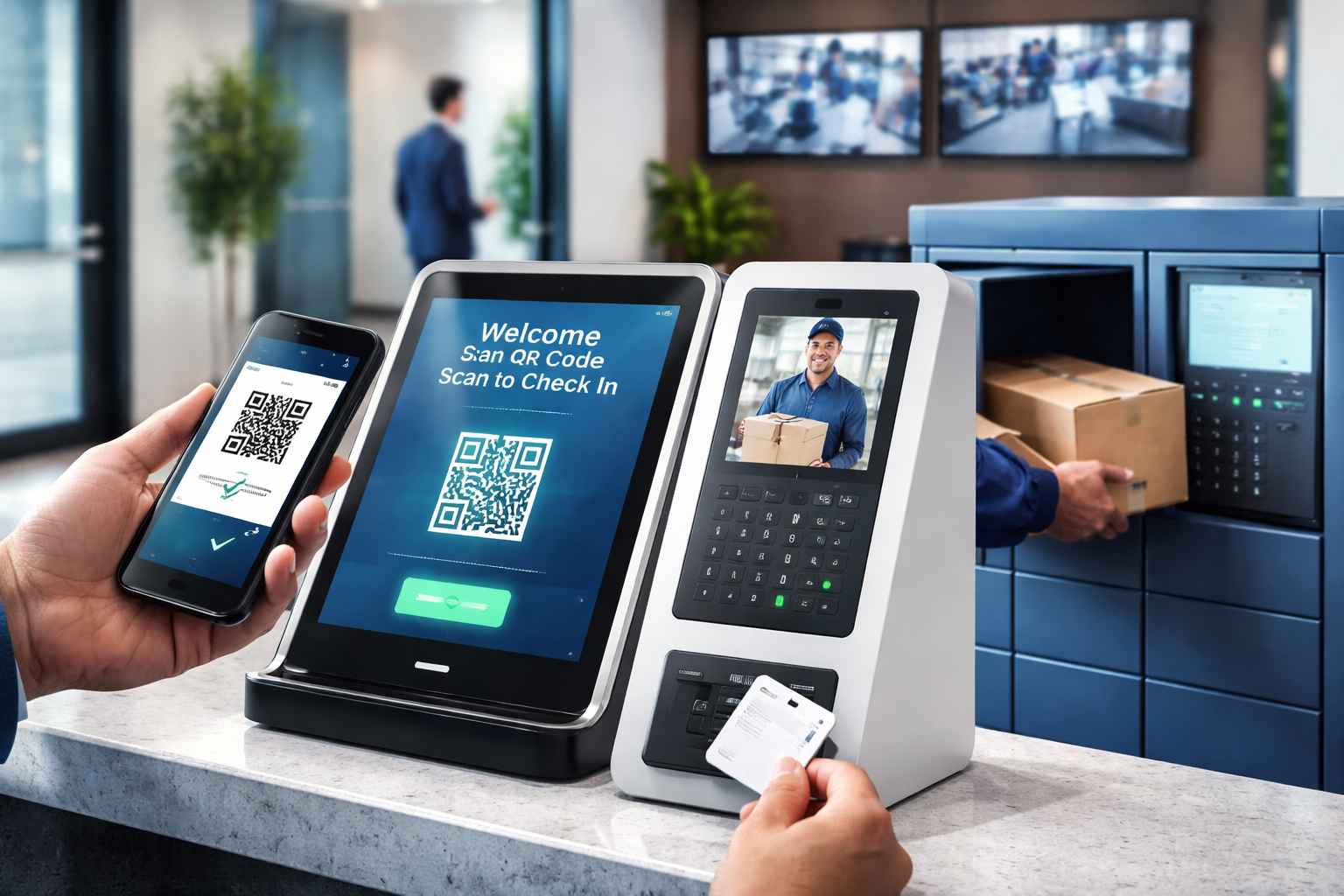
- Use label scanning or photo capture where it speeds intake
- Standardize storage zones so “location” doesn’t require thinking
The goal is not “perfect data,” it’s consistent custody records.
Build accountability without blaming
Avoid “gotcha” audits that make staff hide mistakes. Instead, create a simple review cadence:
- A quick daily check for missing pickup records
- A weekly review of common exception types (e.g., staged-not-logged)
- A monthly refresh on Busy Mode scripts and triage
When errors are treated as workflow design problems, compliance improves.
Put the policy where the pressure is
Policies fail when they live in a binder behind the desk. Put them in the staff’s line of sight:
- A one-page Busy Mode card
- A one-page After-Hours boundary sheet
- A one-page visitor decision tree
Short, visible, and rehearsed beats long and comprehensive.
NYC-specific layout moves that support thin staffing
Reduce bottlenecks with “two-point control”
If the elevator bank is close to the entrance, control must happen at two points: the door area and the elevator approach. A simple stanchion or floor marking can keep unverified visitors from drifting to elevators.
This matters when one staff member has to manage both access and packages.
Create micro-zones for packages that match your staffing reality
Even without lockers, you can create reliable zones:
- Intake/stage zone: only for logged items awaiting placement
- Ready-for-pickup zone: organized by a simple rule (alphabetical or unit range)
- Exception zone: damaged, oversized, unclear recipient
The zones reduce search time, which reduces bypass temptation.
Plan for peak-hour courier surges
In NYC, courier clustering is predictable (late morning, early evening). Decide where couriers queue and how you’ll handle rapid intake.
If staff can scan labels quickly and record intake on a tablet or phone, you reduce the time per parcel and keep the lobby from turning into a storage-and-argument zone.

Key Takeaways
- Thin-staffed desks succeed by pre-deciding triage rules and enforcing “record it in the moment.”
- Separate access control, custody logging, and resident assistance into lanes—even if one person runs them.
- “Desk Busy Mode” needs a trigger, a priority order, and scripts that protect service tone.
- After-hours acceptance must have a clear boundary and a short, repeatable handoff ritual.
- Prevent bypass by making the logged workflow faster than the workaround (simple fields, label scanning, clear zones).
Frequently Asked Questions
How do we handle residents who expect the desk to answer questions immediately?
Use a published triage order and a Busy Mode script that offers a concrete promise time. Consistency is what residents adapt to; improvisation is what creates arguments.
Should walk-in visitors ever be allowed in a residential building?
It depends on your risk tolerance and lobby constraints. If you allow walk-ins, limit them to specific categories and require a fast verification minimum; otherwise default to “wait/deny until confirmed.”
What’s the minimum we must record for packages to avoid disputes?
At a minimum: recipient name, timestamp, and a way to identify the parcel (label scan or photo) plus where it was stored. The key is doing it at intake and again at pickup.
How do we keep security and concierge aligned so records stay accurate?
Assign custody ownership (records) and flow ownership (line/access management), even if the same person sometimes does both. Then standardize one handoff ritual across shifts.
Can we run this without lockers?
Yes. Lockers can help, but a strong operating model plus defined package zones and fast intake tools can maintain accountability without changing building infrastructure.
Take the Next Step
If you’re redesigning your desk SOPs or evaluating tools to keep package intake and pickup records accurate under thin staffing, TrackNest can support computer, phone, and tablet workflows—including faster intake with label scanning.
Request a demo: https://tracknest-isst.us/request-a-tracknest-demo/