
“Where is my package?” (WISMO) isn’t just an annoyance—it’s an operations problem. Most front desks try to solve it with more notifications. But more pings can create new issues: residents ignore them, complain about message fatigue, or still call because the message didn’t answer their real question.
This article focuses on inquiry handling: a clean internal status taxonomy, a 30-second lookup script, and a shift-to-shift handoff so residents get the same answer every time. The goal is simple: reduce where is my package calls apartment teams field daily—without spamming residents.
Why WISMO keeps interrupting your day (even with notifications)
WISMO spikes when any of these are true:
- Staff can’t see the same “truth” across shifts (different notes, different terms, different bins).
- Residents don’t know what to ask for—or staff asks different questions each time.
- Packages sit in a gray zone: not logged yet, being sorted, mis-labeled, or in a temporary holding spot.
Industry conversations about SMS alerts and notification tradeoffs often highlight the tension: more alerts can reduce some inquiries but also increases opt-outs and “why did I get this message?” confusion. If you’re weighing notification rules, it’s worth reading the perspective on package alerts and resident experience at fixmypackages.com. But for front desks, the fastest wins usually come from a tighter package lookup workflow—not louder messaging.
Build a status taxonomy that matches how packages actually move
Most WISMO chaos comes from vague statuses like “delivered” or “in mailroom.” Instead, use internal statuses that reflect the front desk’s custody and confidence—and that can be answered quickly and consistently.
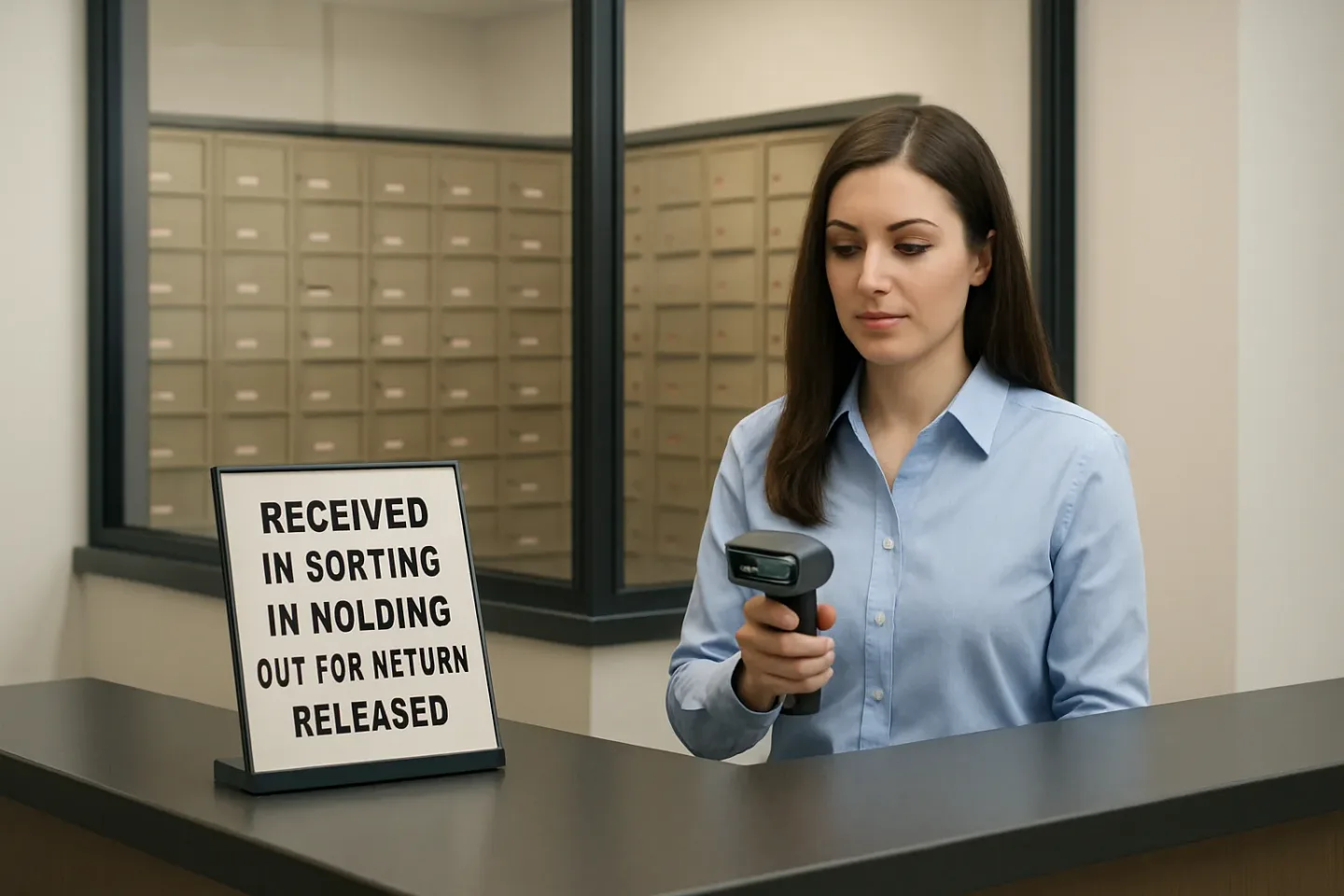
The five core internal statuses (use these words)
- Received — The package is in the building and logged (scan/entry completed). Staff can retrieve it.
- In Sorting — The package is on-site but not fully processed (awaiting QR label, shelving, or reconciliation). Not ready for pickup yet.
- In Holding — The package is segregated due to a rule (unknown recipient, oversized, refrigerated, locker jam, access issue, policy hold). Retrieval requires a staff action.
- Out for Return — It’s no longer available for pickup; return process started (carrier pickup scheduled, refused, or return label generated).
- Released — It has left staff custody (picked up by resident/authorized person, returned to carrier, or transferred to offsite storage) with a timestamp and method.
Map each status to a single “what this means for the resident” line
- Received: “It’s logged and ready for pickup.”
- In Sorting: “It’s here, but not processed yet. Check back after [next processing window].”
- In Holding: “It’s here, but held for verification. We need one detail to release it.”
- Out for Return: “It’s being returned; it won’t be available for pickup.”
- Released: “It was picked up/returned on [date/time] via [method].”
TrackNest operations tip: If you use QR labels, tie the QR scan to the status change. If it isn’t scanned, it isn’t “Received.” This alone prevents “I swear it’s here” conversations.
The 30-second WISMO front desk script (and what to ask first)
Consistency cuts repeat questions. Train staff to start every package inquiry with the same three prompts—then answer using the same status language.
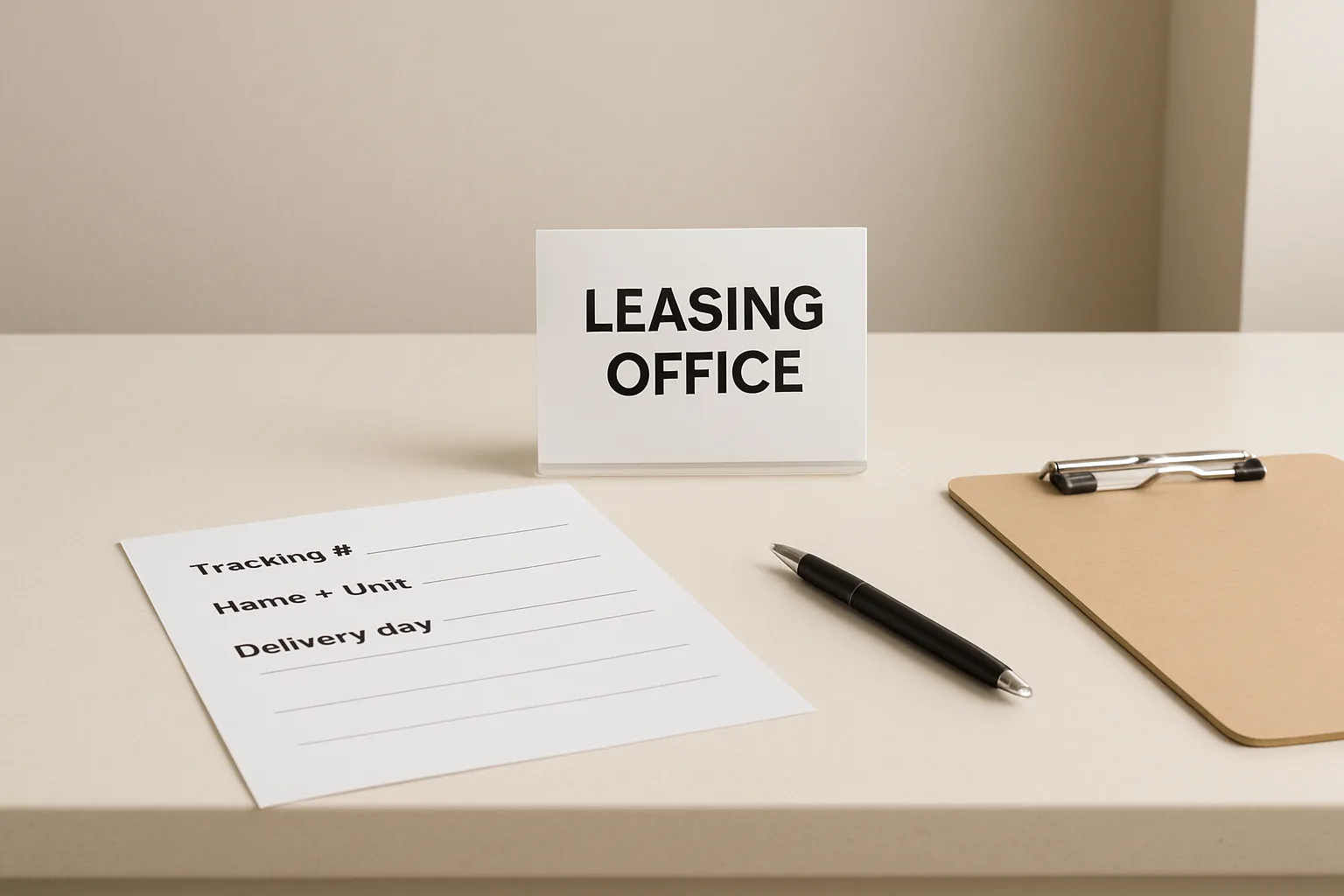
Ask these three questions in this order
- Tracking number (or last 4 digits) — “Do you have the tracking number (or the last 4)?”
- Name + unit — “And the name and unit it’s addressed to?”
- Delivery day claim — “When does the carrier say it was delivered?”
Then deliver one of these 30-second answers (copy/paste language)
- If status = Received: “I see it logged as Received and ready. You can pick it up during desk hours; please bring ID.”
- If status = In Sorting: “It’s showing In Sorting, which means it’s in the building but not fully processed yet. Our next processing window is [time]. If it isn’t logged by then, we’ll escalate it.”
- If status = In Holding: “It’s In Holding because [reason]. If you can confirm [one item: unit/name/tracking], we can release it.”
- If status = Released: “It was Released on [date/time] via [picked up/authorized pickup/returned]. If you believe that’s incorrect, I can start an exception review.”
- If there is no record: “I don’t see it logged yet. If the carrier shows delivered today, it may still be in Sorting. If you share the tracking number, I’ll check the carrier details and start a trace if needed.”
Front-desk standard: “Same questions, same statuses, same next step.” When residents learn the pattern, they start offering tracking + unit up front, and your average interaction shrinks.
Shift-to-shift handoff: the missing piece in reducing package interruptions
Even the best script fails if morning shift says “It’s probably back there” and evening shift says “We never got it.” Your handoff needs two layers: a physical standard and a record standard.
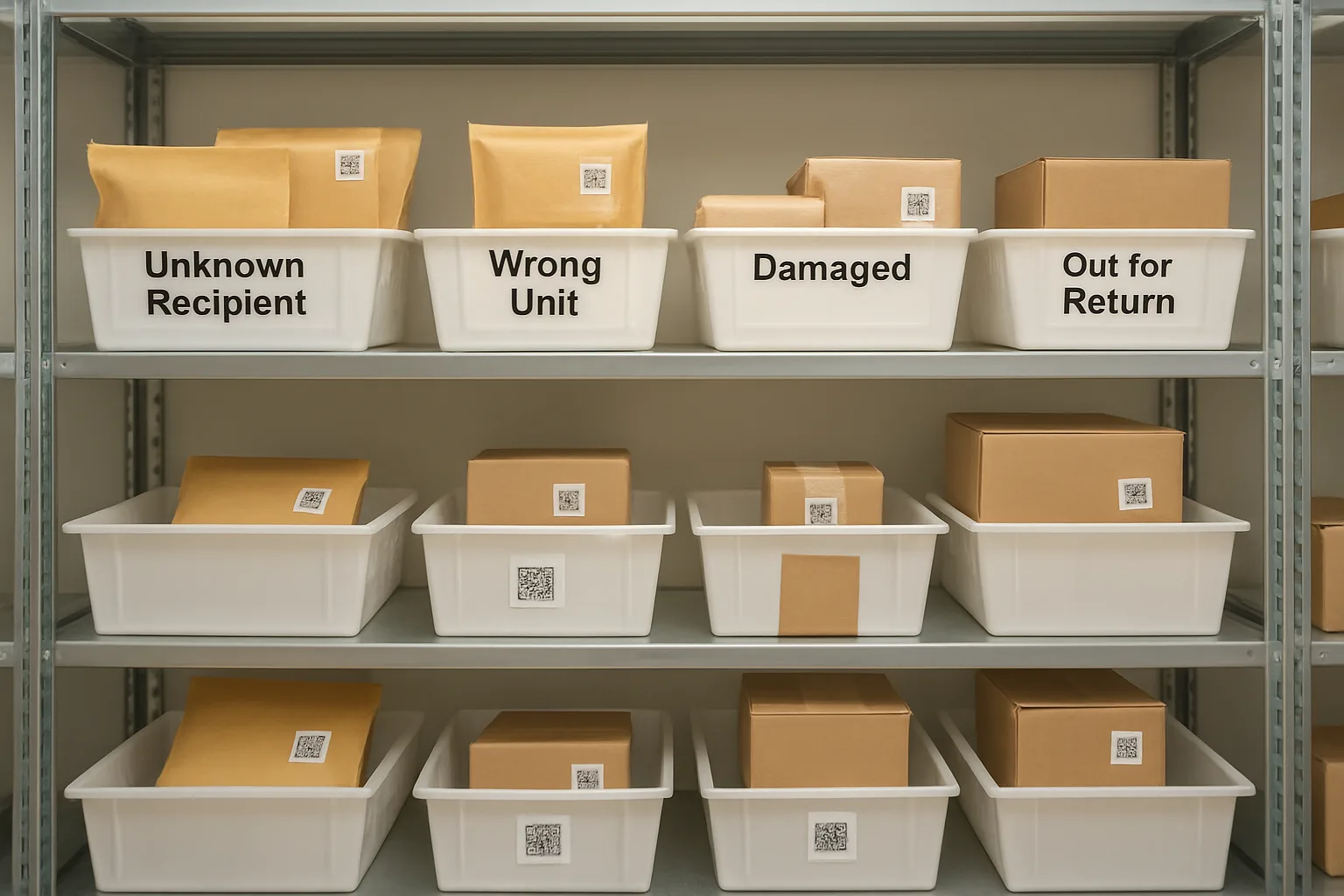
Physical standards (mailroom reality)
- One staging zone for “In Sorting” only (no resident access).
- One holding zone with a visible reason tag (Unknown Recipient, Oversized, Damaged, Wrong Unit).
- One release point where pickups are scanned out (not “grab-and-go”).
Record standards (what must be logged every time)
- Status (from the five core statuses)
- Timestamp + staff initials (or user)
- Locator (shelf/bin/locker number or holding area code)
- Exception reason (if In Holding / Out for Return)
This is how cleaner records reduce time spent on WISMO: when any staff member can see status + locator + next step, calls stop turning into scavenger hunts.
The exception escalation ladder (when staff must intervene)
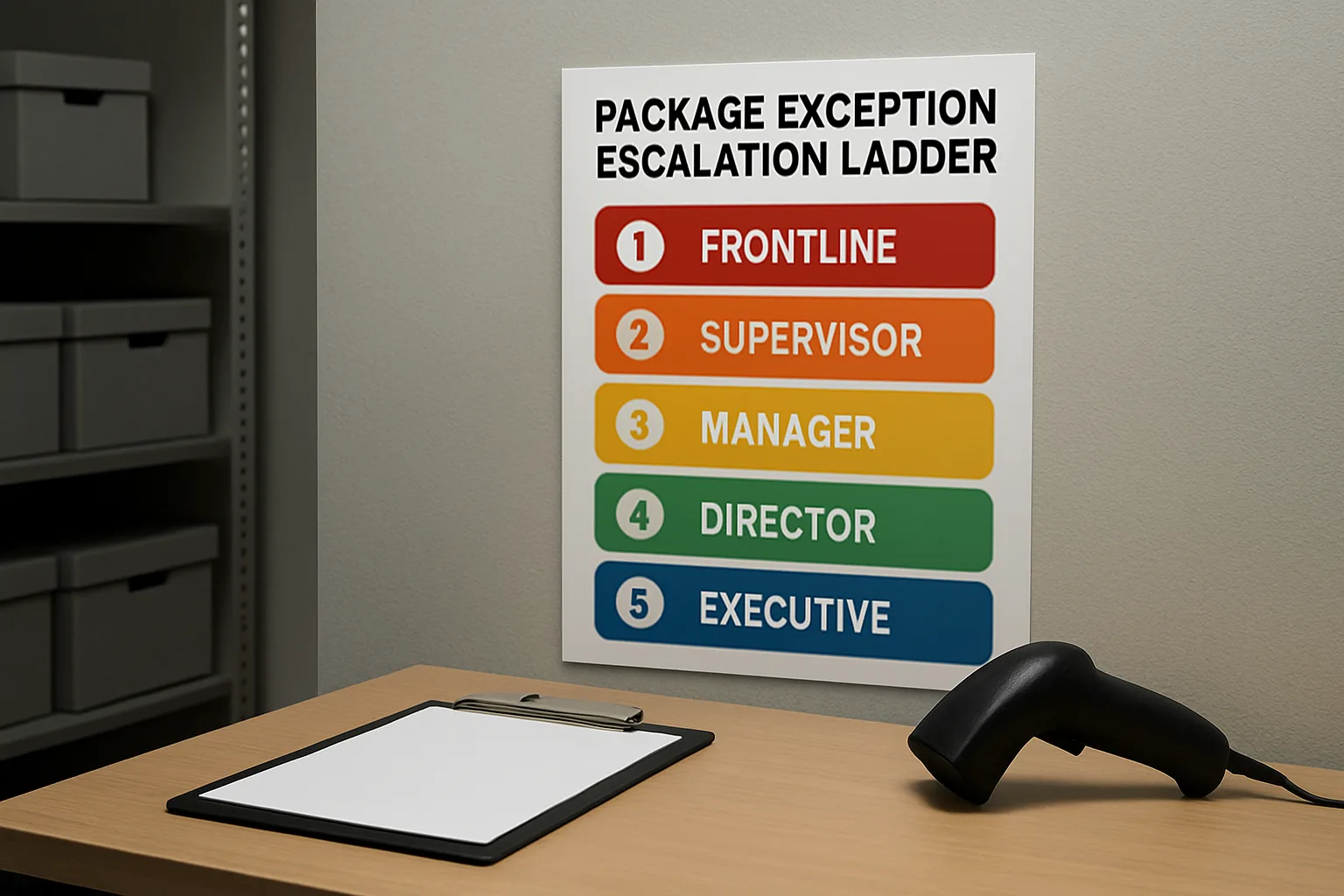
Self-serve and scripting reduce most WISMO traffic—but exceptions need a clear ladder so the front desk doesn’t improvise. Use this as your package notification escalation and action plan (without increasing routine notifications).
Level 0: Standard lookup (no exception)
- Status is Received / In Sorting / Released with complete record
- Staff provides the scripted answer and closes the interaction
Level 1: “Unknown recipient”
- Trigger: Name doesn’t match roster/authorized list, missing unit, or illegible label
- Action: Move to In Holding with reason “Unknown Recipient” + photo of label + where found
- Resident script: “It’s here but held because the name/unit doesn’t match. If you confirm the exact addressee name and unit, we can validate and release.”
Level 2: “Carrier marked delivered, not found”
- Trigger: Carrier shows delivered, but no log + not in sorting/holding zones
- Action: Create a trace record: delivery date/time, carrier, tracking, geo/photo if available; check mis-sorts and wrong-unit holds; set a follow-up time
- Resident script: “We don’t have it logged yet. I’m starting a delivery trace and we’ll re-check sorting and holds by [time].”
Level 3: “Wrong unit”
- Trigger: Unit on label doesn’t match resident; package may belong to another unit
- Action: Move to In Holding (Wrong Unit) and notify only the intended unit per policy; do not release to requester
- Warning: Never “guess-release” to reduce interruptions—one wrong handoff creates weeks of WISMO.
Level 4: “Damaged package”
- Trigger: Visible damage or leakage
- Action: Photo documentation + In Holding (Damaged) + ask resident whether to accept as-is or return; follow property policy
- Resident script: “It arrived damaged. We have photos on file. Do you want to pick it up as-is, or should we mark it for return?”
Level 5: “Suspected theft / chain-of-custody risk”
- Trigger: Repeated missing packages tied to a window, tampered packaging, or release record disputes
- Action: Lock down records (no edits without manager), preserve video window if available, document who accessed holding/sorting areas, escalate to property manager/security
- Resident script: “I’m escalating this as a custody exception. We’ll review release logs and available footage, and update you after [timeframe].”
FAQ
How does this help reduce where is my package calls apartment teams get?
It turns open-ended searching into a fast, repeatable transaction: ask three questions → read the same status language → give one next step. When the answer is consistent and verifiable, residents stop calling back “to try someone else.”
Is “In Sorting” just a nicer way to say you haven’t processed deliveries?
It’s more specific: it tells residents the package is on-site but not yet in the retrievable “Received” state. The key is pairing it with a stated processing window and an escalation trigger if it remains unlogged.
What if residents don’t have a tracking number?
Use name + unit and delivery day to search internal logs first. If there’s no match, ask for the carrier and approximate delivery time. Then route to Level 2 (“marked delivered, not found”) only when the carrier confirms delivery.
How do we avoid over-notifying while still being helpful?
Keep routine alerts tied to Received (ready for pickup). Use targeted outreach only for exceptions (Unknown Recipient, Damaged, Out for Return) where the resident must make a decision. That’s the operational middle path between silence and spam.
What’s the minimum we should record to make this auditable?
Status, timestamp, staff user/initials, and a locator for anything marked Received. For exceptions, add a reason code and (when appropriate) a label photo. This is the backbone of a reliable package lookup workflow.
How do we train new staff quickly?
Print the three-question intake and the five statuses as a counter card and include it in onboarding. Have new staff shadow five WISMO interactions and practice delivering the scripted responses verbatim before improvising.
CTA: Turn WISMO into a 30-second interaction
If your team is still answering WISMO from memory, you’re paying for it in interruptions, inconsistent answers, and messy handoffs. Standardize your statuses, train the three-question intake, and document exceptions with a clear ladder—then make it visible at the front desk.
Next step: Draft your property’s five-status definitions, print the counter card script, and run a one-week pilot where every inquiry is answered using status + locator + next step.
Conclusion
To reduce package interruptions, don’t start with more messaging—start with operational clarity. A shared status taxonomy (Received / In Sorting / In Holding / Out for Return / Released), a consistent WISMO front desk script, and an exception escalation ladder create faster answers, cleaner records, and fewer repeat calls. When every shift can see the same truth, residents get the same answer—quickly.