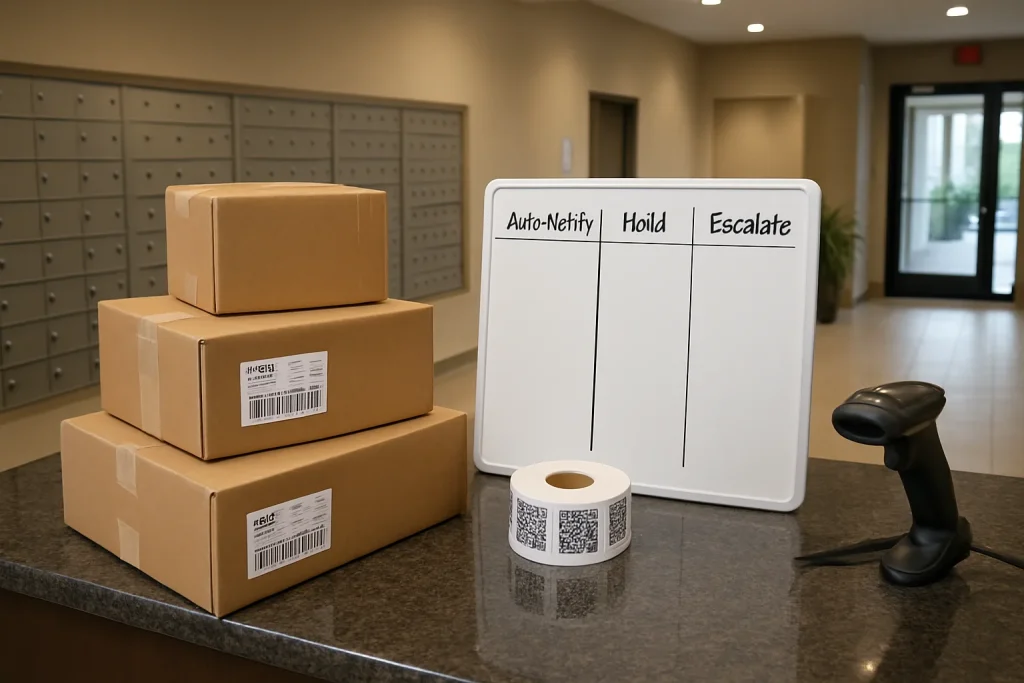
“Notifications” only reduce interruptions when they’re tied to decision points your staff can follow consistently. Otherwise, a front desk just trades phone calls for confusion: wrong recipient messages, unlabeled deliveries, after-hours drop-offs, and disputes over how long items were held.
This article turns reduce front desk package calls notifications rules into an operational policy: when to auto-notify, when to hold, and when to escalate—plus templates you can copy into your package pickup notification workflow.
Start with three notification states: Auto‑Notify, Hold, Escalate
Every incoming item should end up in one of these states. Don’t let staff improvise. Improvisation creates inconsistent messages—which residents interpret as “you lost my package.”
1) Auto‑Notify (default)
Use when the recipient is clearly identified and the package is placed in a known location (locker, shelf, cage, back office) with a scan/QR or log entry.
2) Hold (deliberate pause)
Use when sending a notification would likely trigger confusion, urgency, or repeated calls (e.g., after-hours access restrictions, incomplete recipient match, damaged item pending review).
3) Escalate (human decision needed)
Use when the front desk can’t confidently assign ownership or chain of custody, or when policy time limits are hit (aging items, repeated failed pickups, disputed deliveries).
The decision points that actually cut calls
Decision point A: Unlabeled or poorly labeled items
Unlabeled items create the highest call volume because residents can’t self-identify the delivery from a notification. Default to Hold with a structured reconciliation process.
- Intake as “Unknown Recipient” with time/date, carrier (if known), and a clear photo of all visible markings.
- Place in a designated “Quarantine” location (separate shelf/bin) to protect chain of custody.
- Search for a match (unit list, recent expected deliveries, name variants). Limit to a 2–3 minute attempt during peak hours; longer searches become a hidden interruption.
- Escalate to manager review if not resolved by end of shift or if the item appears high value/perishable.
Decision point B: Partial recipient matches (name similar, unit missing)
Partial matches are where “helpful” notifications backfire. The wrong message triggers two calls: one from the wrong person (“I didn’t order this”), and one from the right person (“I never got notified”).
- Auto‑Notify only when you have two identifiers (e.g., name + unit, or name + phone on file) and the intake record is scannable.
- Hold when you only have one identifier (first name only, last name only, unit only).
- Escalate when there are multiple plausible matches (e.g., two “J. Smith” residents) or prior disputes on record.
Decision point C: After-hours deliveries and access model
Many interruptions happen because residents are notified when they can’t retrieve the item. If your access is limited (front desk hours, controlled mailroom), use Hold rules that align notification timing with access.
- 24/7 locker access: Auto‑Notify immediately with pickup code/QR instructions.
- Controlled mailroom access: Hold notifications that arrive after closing; send a scheduled notification at opening with hours and process.
- Front desk handoff only: Hold after-hours items; notify at next staffed period and include ID requirements to prevent “quick exceptions.”
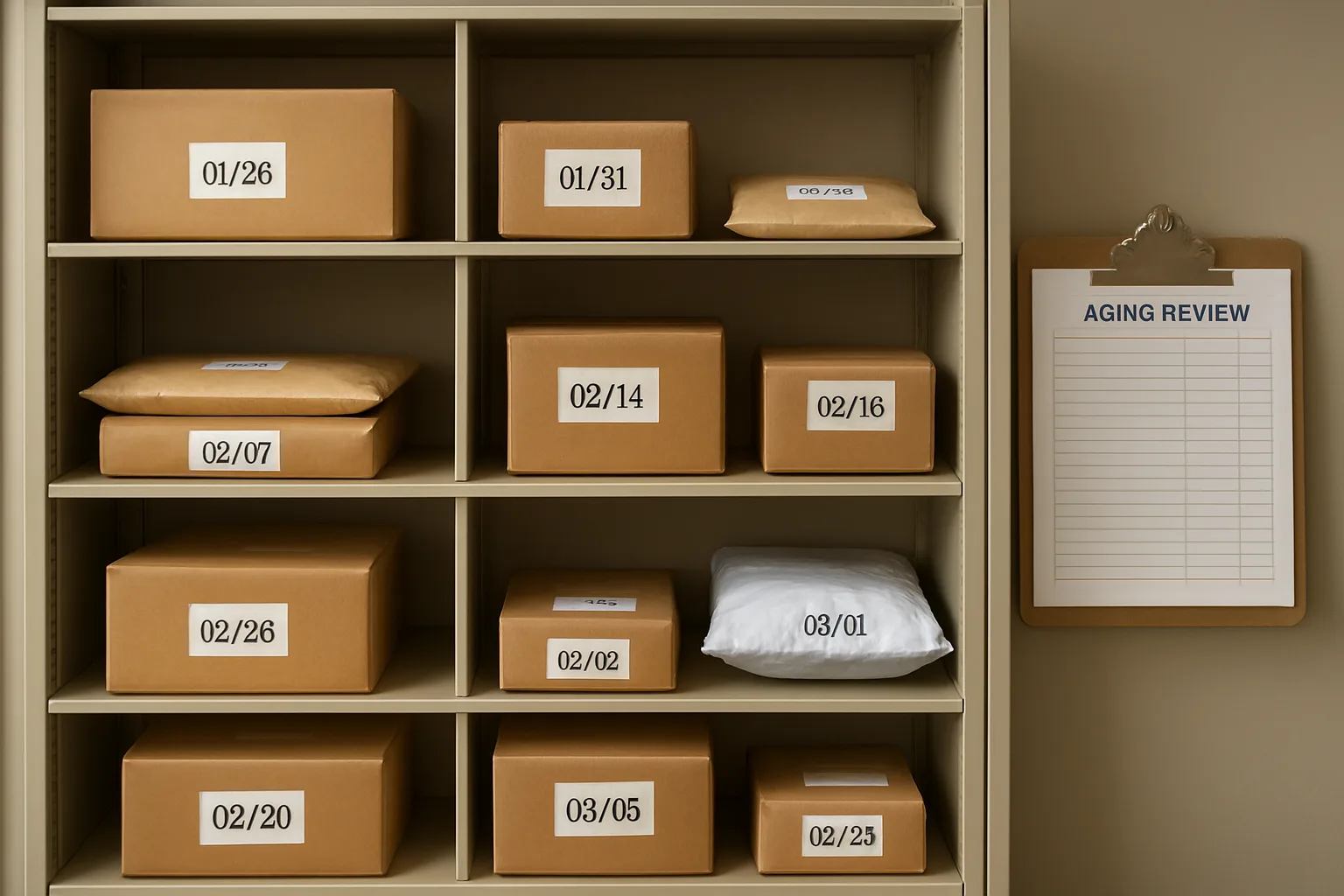
Decision point D: Aging inventory and reminder cadence
Aging packages generate a predictable wave of calls (“Did you return it?” “Where is it?”). Your package aging reminders should reduce calls by being specific: where it is, by when to pick up, and what happens next.
- Day 0: Initial pickup notification (Auto‑Notify).
- Day 2–3: Friendly reminder with hours/access instructions.
- Day 5–7: Escalation reminder that includes hold deadline and what to do if they can’t pick up.
- Policy limit: Final notice + manager review before return/disposal (never auto-return without a review step).
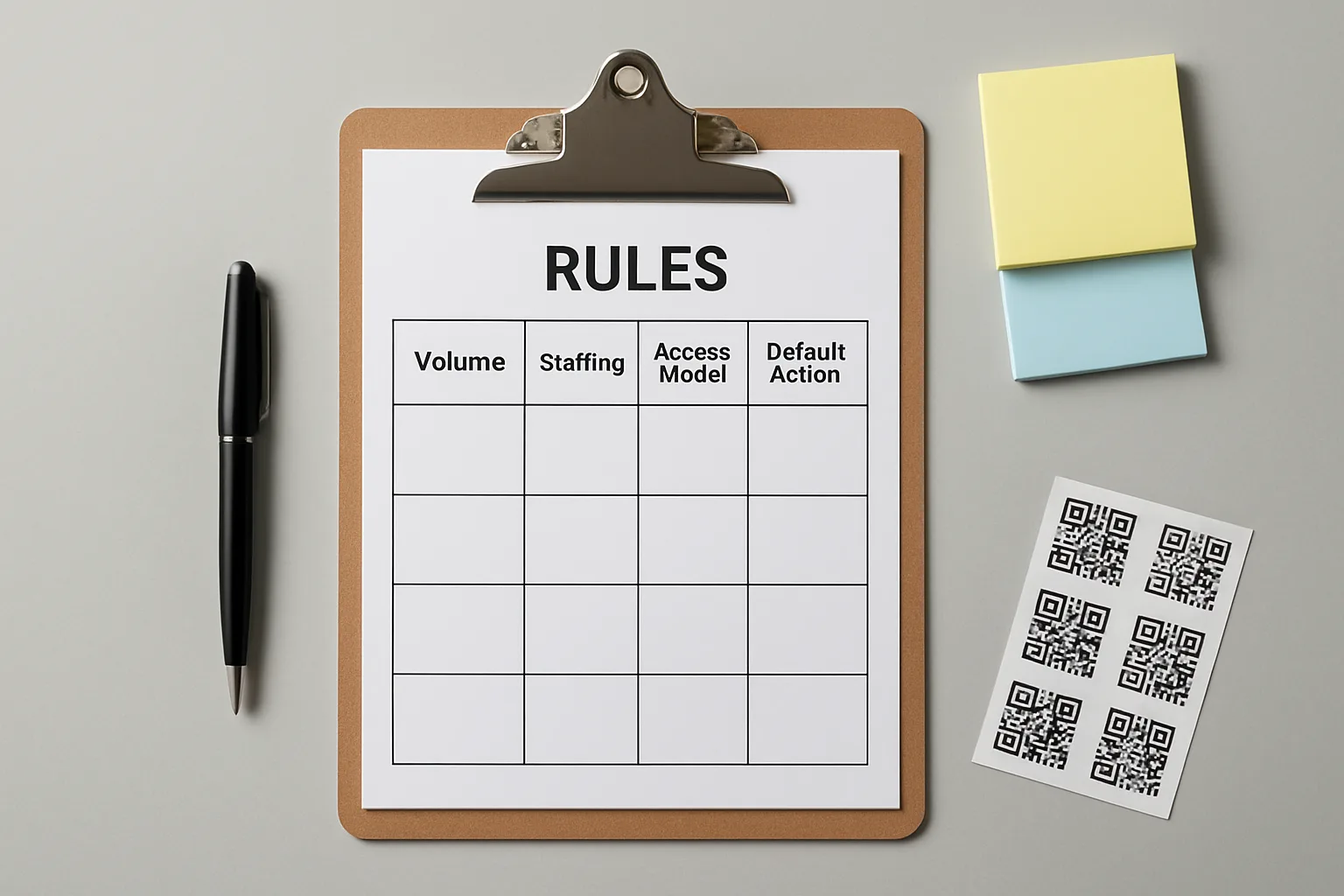
A rules matrix you can actually run: volume × staffing × access model
Use this matrix to set your defaults. The goal is fewer exceptions and fewer resident follow-ups—without hiding deliveries.
Policy principle: “Fast isn’t the same as clear.” The best resident package communication policy optimizes for successful pickup without staff involvement.
Matrix: recommended notification behavior
- High volume + low staffing + 24/7 lockers: Auto‑Notify immediately; strict partial-match Holds; automated aging reminders; escalate only disputes/unlabeled.
- High volume + low staffing + controlled access: Batch notifications at opening and mid-day; hold after-hours; escalate unlabeled/duplicates daily to manager.
- High volume + high staffing + front desk handoff: Auto‑Notify with required ID and pickup window; daily aging review; more proactive partial-match resolution.
- Low volume + low staffing + controlled access: Auto‑Notify during staffed hours; hold after-hours; manual reminder at Day 3; escalate at policy limit.
- Low volume + high staffing + mixed access: Use the strongest chain-of-custody option available (scan + location); tailor templates by delivery type (perishable, signature-required).
Message templates that prevent follow-up calls
Most notification messages fail because they omit the three things residents need to self-serve: exact location, when they can access it, and what to do if they can’t. Use these as starting points for your package pickup notification workflow.
Template 1: Standard pickup (auto-notify)
Subject: Package ready for pickup
Hi {FirstName}, a package for {Unit} was received on {DateTime}.
Pickup location: {Location} ({Directions})
Access: {HoursOr24/7} • Bring {ID/QRCode}
If you’re not able to pick up within {HoldWindow}, reply “HOLD” to request an extension.
Template 2: After-hours receipt (hold + scheduled notify)
Subject: Package received—available at next opening
We received a delivery for {Unit} after hours on {DateTime}.
It will be available for pickup at {NextOpeningTime}.
Pickup location: {Location} • Hours: {Hours}
Please wait for this confirmation before coming to the desk to avoid delays.
Template 3: Partial match (hold—clarification request)
Subject: Delivery received—need one detail to confirm
We received a delivery labeled “{LabelName}” on {DateTime} but it’s missing a full unit/recipient match.
If this may be yours, reply with unit number + carrier/tracking last 4 (or sender name). Once confirmed, we’ll release it for pickup.
Template 4: Unlabeled item (escalate to manager review, no blast)
Internal note / staff message: “Unknown Recipient” item received {DateTime}. Photo attached. Stored in Quarantine Bin A. Attempted match: {Steps}. Escalate to {Manager} by end of shift.
Template 5: Failed pickup escalation (Day 5–7)
Subject: Reminder: package still on hold
Hi {FirstName}, your package received {DateTime} is still on hold in {Location}.
Pickup by: {DeadlineDate} during {Hours}.
If you can’t pick up, reply to request an extension or designate an authorized pickup person per policy.
Template 6: Final notice (manager review required)
Subject: Final notice: pickup needed
Your package received {DateTime} remains unclaimed. Please pick up by {DeadlineDate}.
If you believe you already picked this up or this is not yours, reply “DISPUTE” so we can review the log and handoff record.
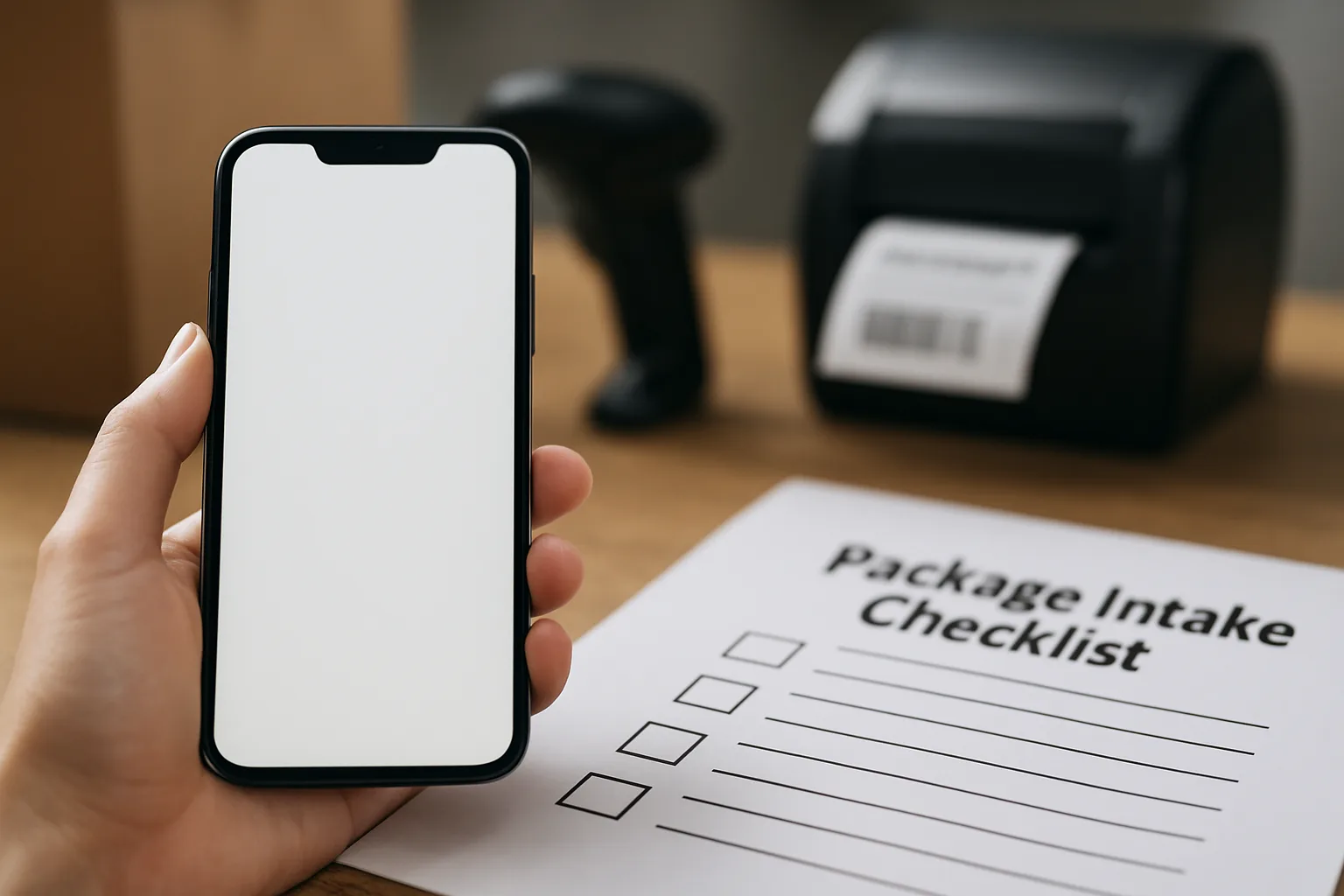
Checklist: how to implement rules without slowing the desk
- Define locations (Locker bank, Shelf A–D, Cage, Quarantine) so notifications can be specific.
- Standardize scans/labels: every item gets a QR/ID and a stored location at intake.
- Pre-write your exception paths: unlabeled, partial match, damaged, perishable, oversized.
- Set reminder cadence aligned to your hold policy, then automate it where possible.
- Make escalation explicit: who reviews unknowns daily, who approves extensions, who closes disputes.
- Audit weekly: sample 10 items and verify the chain-of-custody trail (received → stored → notified → picked up).
FAQ: notification rules, exceptions, and escalations
- How do we reduce calls without residents thinking we’re hiding packages?
-
Make notifications more specific, not less frequent: exact location, access hours, what to bring, and how to request a hold extension. Use Hold only when pickup isn’t possible yet (after-hours) or ownership is uncertain (partial match/unlabeled).
- What’s the safest rule for partial matches?
-
Require two identifiers before Auto‑Notify (e.g., name + unit). If you only have one, send a clarification request to a single likely match or Hold until staff confirm. This prevents wrong-person notifications and the resulting disputes.
- How should we handle perishable items?
-
Treat “perishable” as an escalation modifier: Auto‑Notify immediately if matched; if unmatched, Escalate for rapid review (don’t quarantine silently). Your message should include a clear time sensitivity note and where it’s stored.
- What is a reasonable failed pickup escalation path?
-
Use a stepped approach: initial notification (Day 0), reminder (Day 2–3), escalation reminder (Day 5–7), final notice (policy limit) with manager review. This failed pickup escalation structure reduces “Do you still have it?” calls and creates a record if someone disputes a return.
- Should we allow authorized pickup by a friend/colleague?
-
Only if your policy and tracking support it. Require a recorded authorization (written message or system permission) and verify ID at handoff. If you can’t track it reliably, default to resident-only pickup to avoid “You gave it to the wrong person” conflicts.
- How do we keep staff consistent across shifts?
-
Train to the three states (Auto‑Notify/Hold/Escalate), standardize locations, and require scan + location before any notification. Add a daily “unknowns and aging” review task so exceptions don’t linger and trigger calls.
CTA: turn notifications into a front-desk interruption shield
If your desk is drowning in “Is my package here?” calls, the fix usually isn’t sending more messages—it’s sending the right message at the right decision point, backed by scan steps and clear escalation triggers.
Next step: Draft your building’s Auto‑Notify/Hold/Escalate rules on one page, add the templates above, and run a two-week trial with weekly audits of unknowns and aging items.
Conclusion
To reduce front desk package calls notifications rules must be operational—not aspirational. When your team follows the same decision points for unlabeled items, partial matches, after-hours holds, and aging reminders, residents get clearer direction, staff gain accountability, and interruptions drop without increasing frustration.